HOME | DD
 turnpaper — iContainer Stacks

Published: 2008-09-18 18:00:28 +0000 UTC; Views: 80960; Favourites: 277; Downloads: 19979
Redirect to original
Description
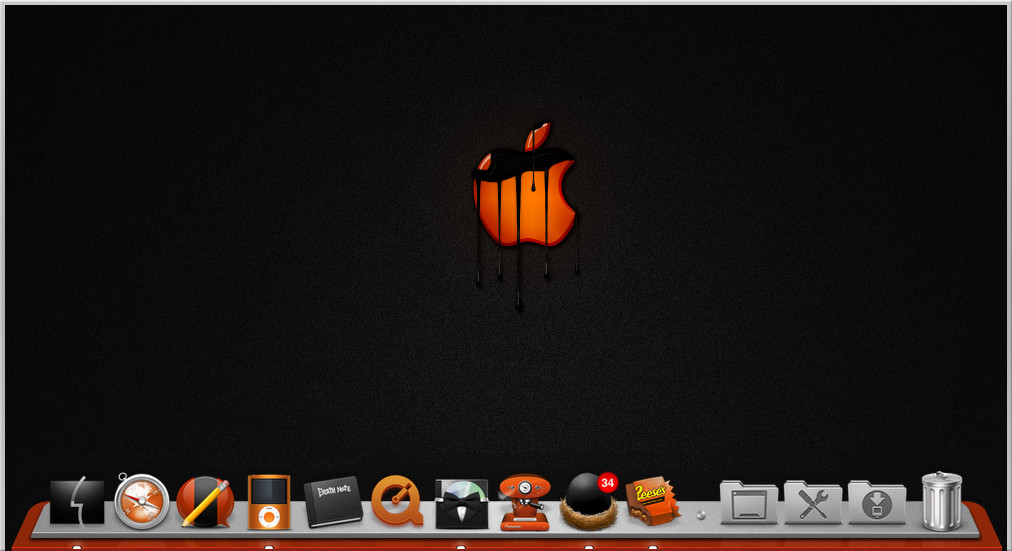
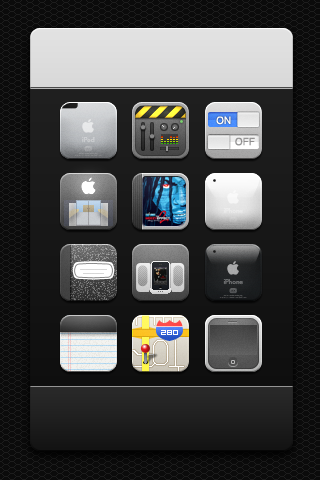
This is a stacks icon for your dock. I got this idea from the iContainer icon from the CandyBar application. I really like that icon.(the original is slightly different from the preview)
I did not do any other colors because it will not be my original idea of a red one. but you are welcome to mod to any color you like.
Wall image by ~Delta909
thank you for your support
TURN
Related content













Comments: 72

Can anyone explain how to use this? I'm a noob ^^''
👍: 0 ⏩: 0


great stacks
i am searching the system preferences icon that you used in your ss.. can you provide me a link or name? thanks in advance

👍: 0 ⏩: 1

the icon is made by Delta909 [link] you have to ask him
👍: 0 ⏩: 0

cool!! I just downloaded this, how do I make it work? it has some file called dock.icontainer, what do i od with that file?
👍: 0 ⏩: 1
there are several files in the package... if you are on Windows you can use the png. the other file you are referring to is a candybar file for Mac computers
👍: 0 ⏩: 1
ok, I'm in a mac, i just dont know what to do with that
👍: 0 ⏩: 1

lol " warning : you can not put this container in the microwave or dishwasher."
👍: 0 ⏩: 0

thank you for adding my work to your site
👍: 0 ⏩: 1

Love these! Using them now. Would love a few more colors, for different folders, but you already said you weren't doing that. Hah. Nice job!!
👍: 0 ⏩: 1


How do you get them in-front of the icons inside them?
Thanks
👍: 0 ⏩: 0

I know your getting tried of this question, but i read and followed what you said on how you use them, and still can't get them to work.
👍: 0 ⏩: 0


you have to right click on your stack and choose display as stack. everything and that older will show in back of the stacks icon.
👍: 0 ⏩: 0

how do you change the stack icon, sorry I'm newbie, turnpaper, appreciate for your help, thank's
👍: 0 ⏩: 1
I think the best thing to do is this. make a folder in in document or the one you want the stack for. you need to name that folder with one blank space and then whatever name you would like. so there needs to be a space before you start typing. after that (right-click > arrange by > name ) now that folder should now be the first in your finder. take the stack icon of your choice and put it into candybar highlight that stack icon so it shows in the candybar QUICK DROP now take the folder you made and drag it into the QUICK DROP. now you're folder should have changed to that stack icon. now go to you home folder and drag the documents folder on to the dock next to the trash can. if the stack icon does not show in your dock only a folder you need to right-click on that folder and choose stack .. for the other ones you would like to have just do that same procedure on.... Desktop, Downloads or Music etc........
Hope you understand that if not ..just tell me
👍: 0 ⏩: 1
wow thank you very much for your Tut, turnpaper, actually I've found the link you gave to somebody in your reply it's " Stacks In Da Place " which is very easy for me to do that, anyway is it different with your tut which is usnig QuickDrop in CandyBar, thank's again turnpaper, appreciated
👍: 0 ⏩: 1
yes it's different. it's the manual way. I just did not feel like writing when I gave that link out.
👍: 0 ⏩: 1
oh ok, thank you very much then, turnpaper, I really appreciated !!
👍: 0 ⏩: 0


Thank you so much for making these. Great job, thanks for sharing.
👍: 0 ⏩: 0


Thanks for the KitKat but it's not a true :s
Thanks for the sharing, only one colors, you can make others colors for change with the dock and I like it then I post this on guipulp.com: [link]
👍: 0 ⏩: 0

Very nice turn! Cool to see that you're getting good at doing icons!
Do you know any way of applying this to a "Recently Used Apps" stack?
👍: 0 ⏩: 1
long time no see my friend.
you can probably try superdocker. you might be able to do that.
👍: 0 ⏩: 1
Thanks for the tip, I'll try that
👍: 0 ⏩: 0

can u make them vertical i have objectbar on the left side of screen....plzz rotate them clockwise once and tell me if u can?
👍: 0 ⏩: 1
Sorry I do not have the time to do that. but if you take them into a graphics program and just turn them the way you want them.
👍: 0 ⏩: 1

| Next =>