HOME | DD
 VickyViolet — Shading??

#blue #color #digital #draws #fanart #flat #flats #friends #frisk #papyrus #sans #shade #shading #skeleton #sketch #snow #soft #vicky #violet #wip #vickyviolet #how #art #vickyvioletdraws #howdoishade #snowdin #undertale
Published: 2015-11-30 01:14:17 +0000 UTC; Views: 2272; Favourites: 46; Downloads: 4
Redirect to original
Description
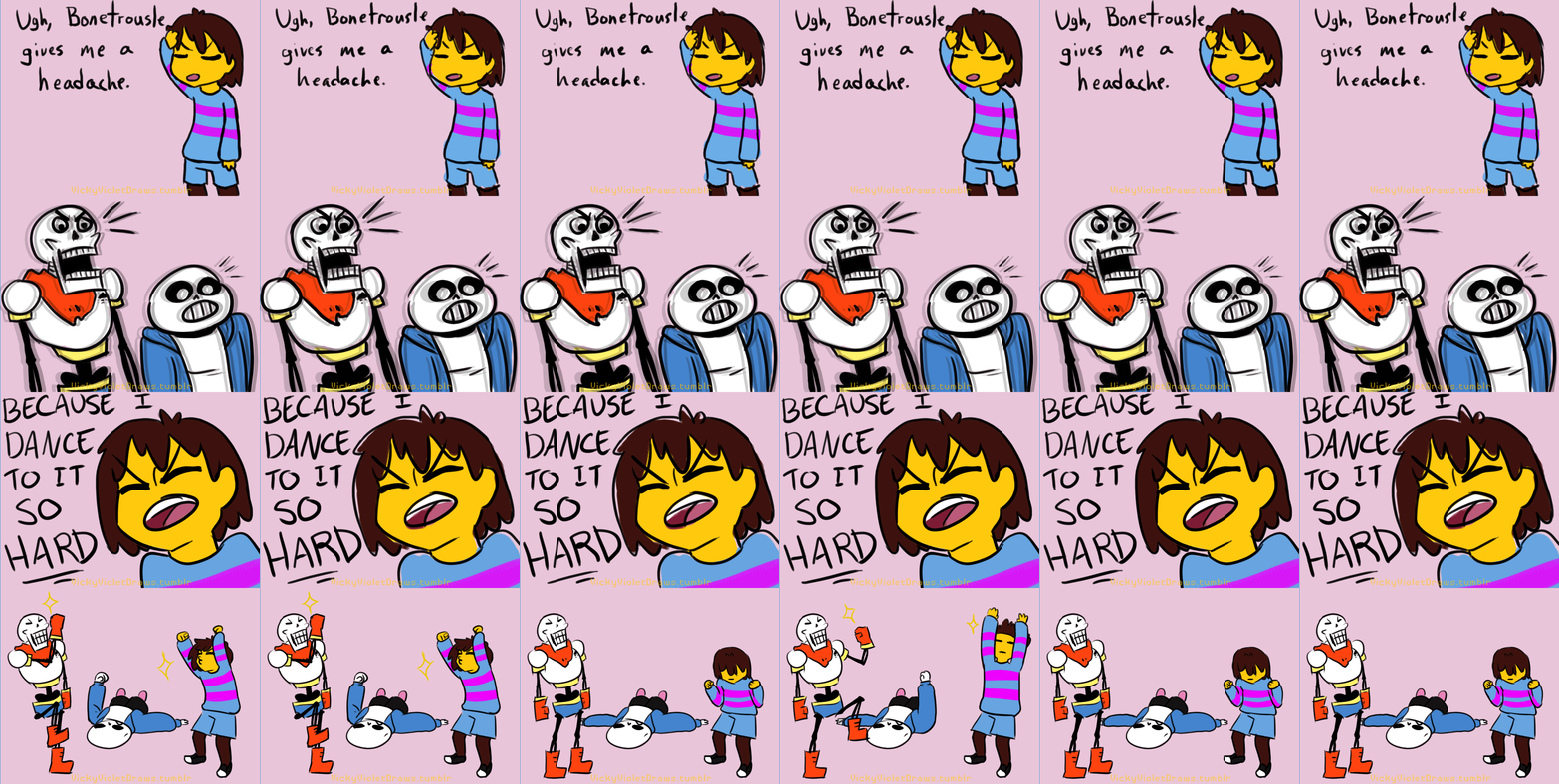
Shading is something I really struggle with. I don't usually do it at all if I can avoid it, but then I do it anyway because I want my art to look nicer. And then I want to experiement with interesting colors, but then it starts to look a little tryhard. It looks alright in most places, and perhaps I should push it more, but I can't be sure.The Final Version only has 50% opacity of the shade layer. Having the blue at full blast just doesn't work with the background I slapped together, but there's always the option of tweaking some things later.
So here you go, for people who like to see what my layers and works-in-progress might look like. ¯\_(ツ)_/¯
Related content







Comments: 10

Shading is hard as shit, and very tedious, but you're very good at it. A skill to be proud of, to be sure.
👍: 0 ⏩: 1

Haha, thanks man. I'll be honest, the majority of my shading methods are very, very lazy. I recently showed one of my friends one of my cheating methods, and they angerly replied, "Work smarter, not harder. >:c"

👍: 0 ⏩: 1
Smarter work means more time for more art, or gaming or whatever, so I can't say I disagree.
👍: 0 ⏩: 1
👍: 0 ⏩: 0

Hey, so, what art program do you use? I forget... >>
'Cause I have some tips for photoshop but that might not actually help you, heh...
👍: 0 ⏩: 1
I use Adobe Photoshop Elements 5.0. I have access to more advanced programs, but I don't like them/don't know how to use them.

👍: 0 ⏩: 1
Oh! well hopefully yours is much the same, but I use Adobe Photoshop Elements 8, so they should be pretty similar.
So! What I do for shadows is that I do them on another layer of course, usually as a clipping mask over the thing I'm shading; in my program you do that by going to the drop-down layers menu and there should be an option to change the layer to a clipping mask. Then, the most important step is changing the layer mode to 'Multiply'; it should be an option in a drop-down menu in your layers window among many others, but Multiply will let whatever's under it come through, unlike just adjusting the opacity. From there, I do my shading, usually with a light blue-gray hue, but you can change it depending on the light source. It might take a little experimenting at first, but I've come to really like this technique. ^^
Hope that helps!
👍: 0 ⏩: 1
Yeah I always play with the opacity and alternate typically between multiply and overlay. Multiply is what I use to color my traditional sketches in the first place. Discovering how to do that has been the best thing for me. I despise doing lineart, traditional or digital.
👍: 0 ⏩: 0
