HOME | DD
 WallStorm — Using Actions in Photoshop

Published: 2006-02-27 19:10:10 +0000 UTC; Views: 42801; Favourites: 229; Downloads: 1536
Redirect to original
Description
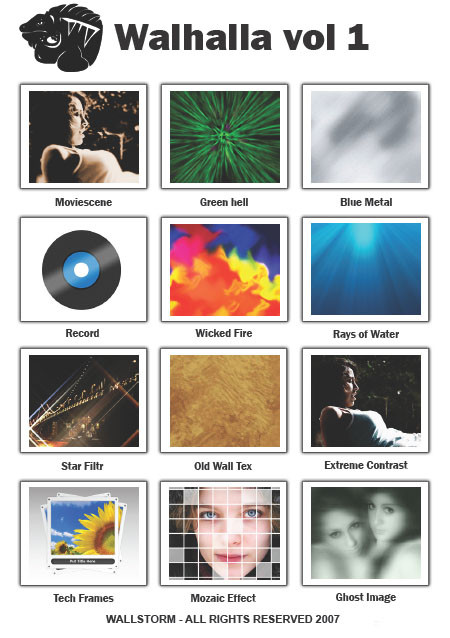
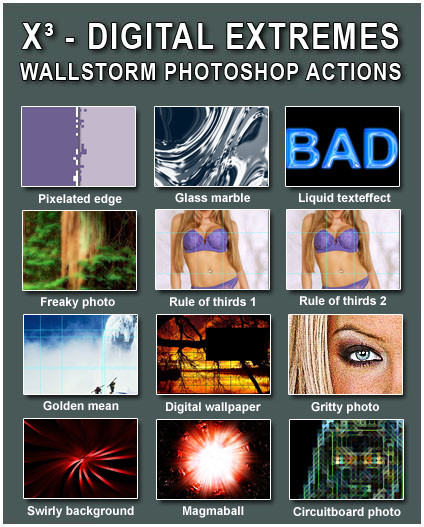
seeing as I've posted so many actionssets it seems only reasonable to make a tutorial on how to use actions in PhotoshopI hope this makes using them a little easier.
Related content








Comments: 44


Have fun playing around with them 

👍: 0 ⏩: 0

Wow i never knew these existed! Sure will make it easier to add fx to an image! Thank you!

👍: 0 ⏩: 0


i just favorited a bunch of actions, so when i re-install photoshop cs4, i'll use them.
but since i don't know how to use them, i'm glad i found this!
👍: 0 ⏩: 1


this saved me! Thanks alot for this great tutorial!
👍: 0 ⏩: 1


Sweet!! Thanks for the help! I am having a problem, though. I have some action sets downloaded, and I tried to load them, but my Photoshop wants an .isa file for some reason, not .atn. I have CS3, so that might be why, but I don't know.
👍: 0 ⏩: 1
I made most actionsets in version CS3 and the action format is .atn so it should work. ISA files are not used for normal actions. You could try copying the sets to your actions folder in photoshop that way they will be loaded on startup.
👍: 0 ⏩: 0


I sent a link to this in my journal here: [link]
👍: 0 ⏩: 0


Hi, you've been featured in this news article https://news.deviantart.com/article/38226/
👍: 0 ⏩: 1
Sorry for the late "Thank you" but I was in India for a month
👍: 0 ⏩: 1
waaah! i'm so envious of you >___<
i'd love to visit india!
👍: 0 ⏩: 0

thanks sooooooooooooooo much!!
this was perfect
👍: 0 ⏩: 0

Oh, I love you so much for this tutorial.. Now I don't have to ask someone and be treated like an idiot!
👍: 0 ⏩: 1


I dont understand, load actions isnt coming up available, it just wont let me click on it, now what do I do?
👍: 0 ⏩: 1
what version of photoshop are you using?
👍: 0 ⏩: 1
make sure you have the "actions" window open and that it's active because other windows also have this button but with different options ...
👍: 0 ⏩: 0


Awesome!
All those that don't know how to use actions should be sent here!
So easy to read, and simple to understand!
You have written this well mate!
God bless.
Dale.
👍: 0 ⏩: 1

Excelent! I think this will come in handy! I'm going to download some of your actions now. :3
👍: 0 ⏩: 1

Now that I finally have Photoshop on my own computer, instead of just at my college (so I can't change it in any way), these actions will definatly be put to use 
... I can't wait to see how well the line-art lifting action works

👍: 0 ⏩: 1
my pleasure ... have fun lifting!
👍: 0 ⏩: 0

Your gallery has so many good suggestion about photoshop
👍: 0 ⏩: 1
