HOME | DD
 xwidgetsoft — Windows8 Metro RSS

Published: 2011-10-29 10:02:26 +0000 UTC; Views: 7125; Favourites: 23; Downloads: 1073
Redirect to original
Description
1.First download XWidget [link]2.Download skin from XWidget gallery , and DoubleClick to install [link]
Windows8 Metro RSS by ubeto
Click right-bottom button to flip it to change color.
Click right-bottom arrow button to change pages prev/next.
Click left-bottom RSS icon button to set RSS Setting.
Related content







Comments: 7


Awesome..
Can you please tell how to run more than one instances of this gadget on desktop...?
👍: 0 ⏩: 1

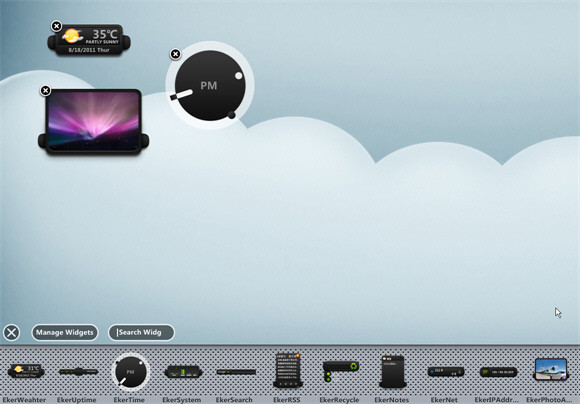
Right click the widget,and select menuitem "Window--Start same widget". or Drag more instances of this widget from xwidget's widgetDock
👍: 0 ⏩: 0


