HOME | DD
 AlCaAz — BlockClock
#block #clock
Published: 2015-03-03 15:39:39 +0000 UTC; Views: 1016; Favourites: 3; Downloads: 56
Redirect to original
Description
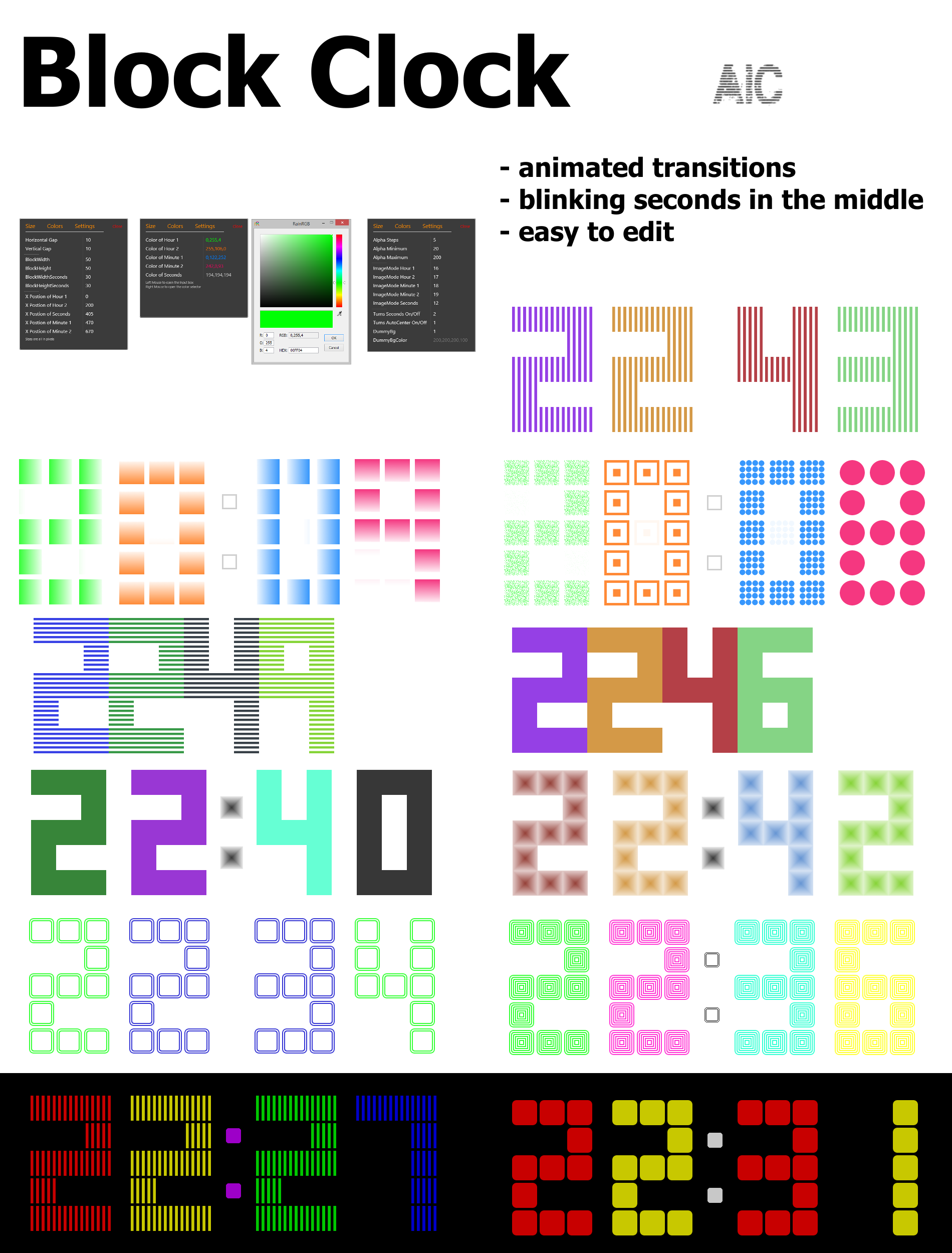
Clock made of Blockswith
- animated transitions
- settings skin
- blinking seconds
How to use?
Left click on the right top block of Minute 2 to open the settings skin.
Right click on the right top block of Minute 2 to open the custom skin menu. Where you can open the settings skin, open the Image folder and center the skin.
How to edit?
Just use the setting skin (recommended) or alternatively edit manually the UserVariables.inc in the @.Resources folder.
How to add block images?
Copy your own block images to BlockClock\@.Resources\Images and name them SquareXX.png, then type XX at ImageMode in the settings skin.
Preview GIF of the transition rainmeter.net/forum/viewtopic.…
Please report bugs if you find some.
Feedback, suggestions or your own block images are welcome.
----------------------
License:
Creative Commons Attribution-Non-Commercial-Share Alike 3.0
Credit:
JSMorley for his great RainRGB