HOME | DD
 fence-post — Pixelize All Layers - GIMP Script

Published: 2014-01-21 22:00:18 +0000 UTC; Views: 979; Favourites: 5; Downloads: 92
Redirect to original
Description
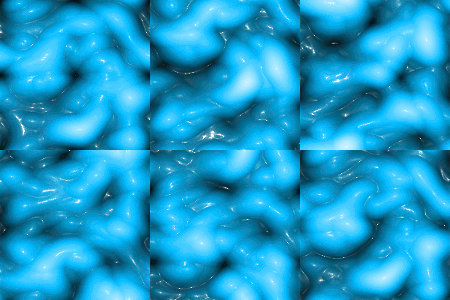
New script that allows you to apply the Pixelize filter to all layers in an image (like the animated preview image above), a single layer, all visible layers, or linked layers.The animated "goo" above was created by running this script: fence-post.deviantart.com/art/… , then followed up with this script: fence-post.deviantart.com/art/… , then I ran the pixelize script using different settings for each selected area.
Download the zip file, open the zip file by double-clicking on it and copy/paste the script to your GIMP scripts folder (ie...C:/Program Files/GIMP-2.0/share/gimp/2.0/scripts). Refresh your scripts and you're ready to go. The script can be located under the Filters > Blur > Pixelize All Layers...
Let me know if you have any trouble or need additional information.
Art