HOME | DD
 mvgraphics — win7-UI
by-nc-nd
mvgraphics — win7-UI
by-nc-nd
Published: 2009-10-28 19:58:02 +0000 UTC; Views: 27260; Favourites: 74; Downloads: 9560
Redirect to original
Description
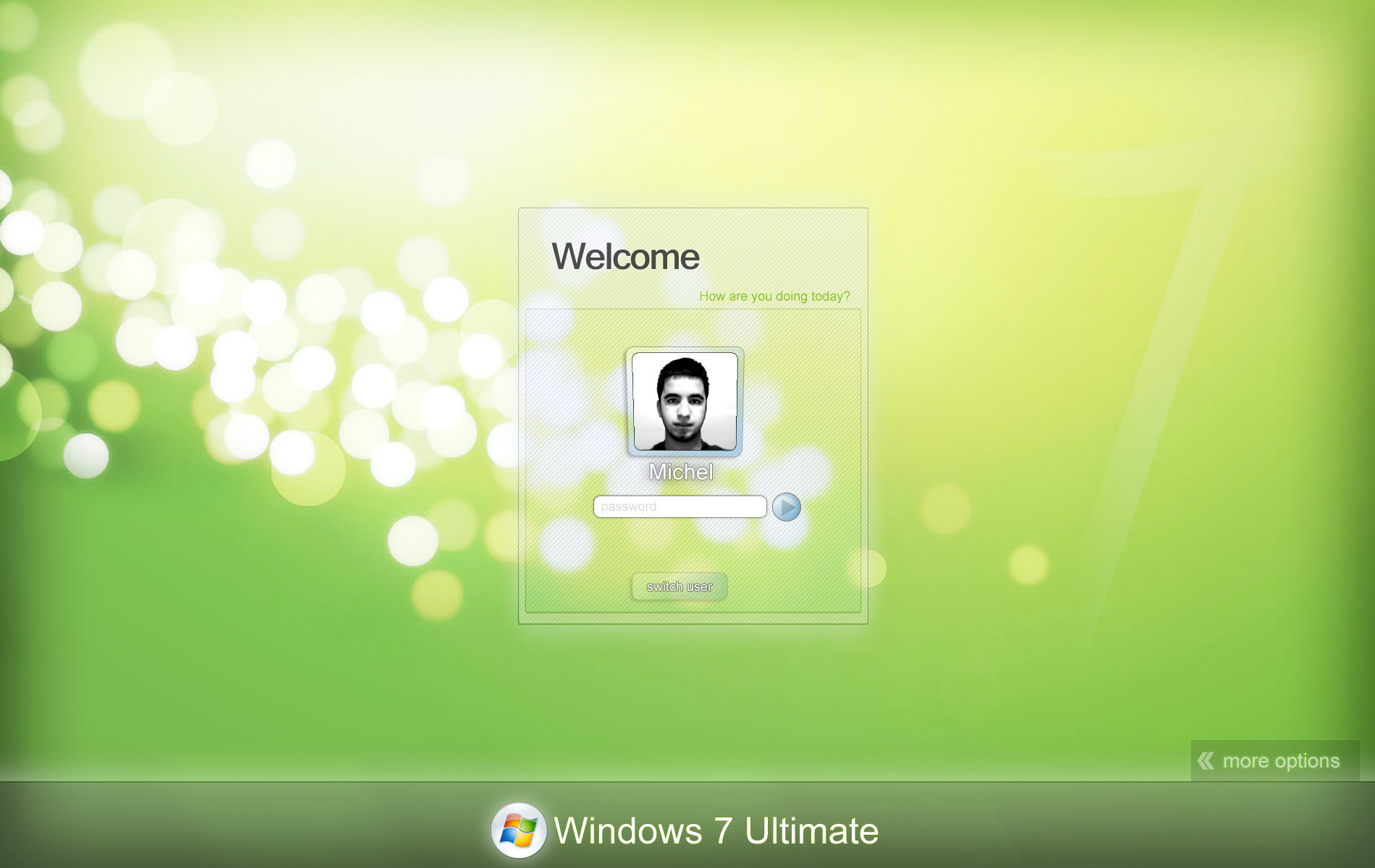
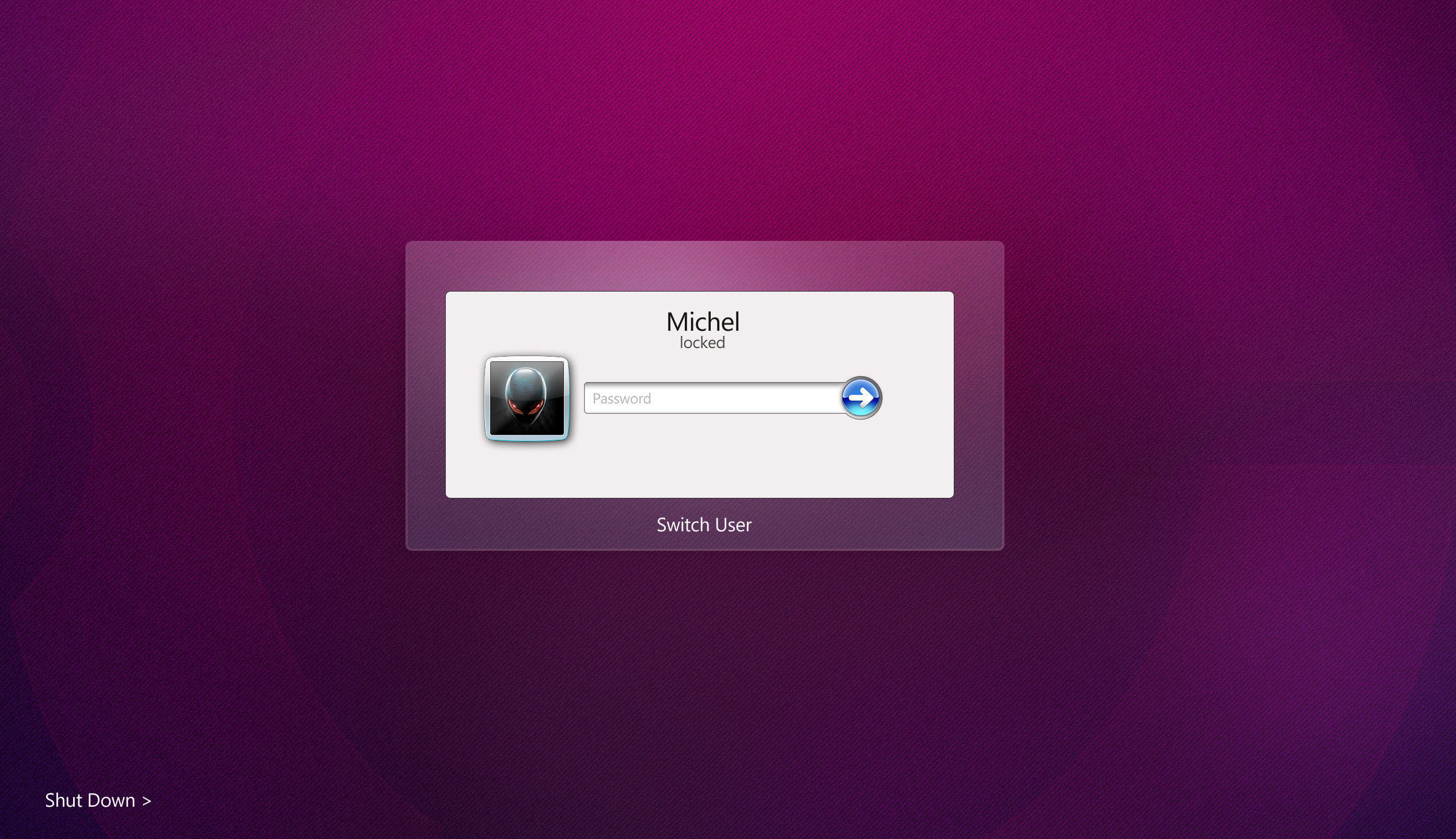
New Resolutions Added + Some Visual EffectsPSD FILE INCLUDED
PLUS NEW RESOLUTIONS
SEE PREVIEW LINK: [link]
Related content







Comments: 41


nice work! I think you should make it for logon workshop
👍: 0 ⏩: 0

杭州专业UI设计公司JUMPCOLOR
User Interface Design Group in China (JC)
--------------------------------------------------
[link]
👍: 0 ⏩: 0


Great work but would you mind making a 1366x768 version?
👍: 0 ⏩: 0


did you used the app for changing the picture
👍: 0 ⏩: 0


what happens if i install: renove.reg , shadow1.reg , shadow2.reg and shadow 3.reg?
👍: 0 ⏩: 2
i will lower the opacity and add different shadows of your switch button during the login screen. that is all
👍: 0 ⏩: 1
ok, but how do i switch the buttons like you have done in your ss?
👍: 0 ⏩: 1
i will give the list of the dll files you need to replace, plus you will need a file editor such as reshacker.,
👍: 0 ⏩: 1
ok you don't have to do it, i managed to do it myself. thx anyway
👍: 0 ⏩: 0

As long you credit me and link back to me, and send me a link of your work, you are free to edit this work.
👍: 0 ⏩: 1

Hehe , thanks you 
👍: 0 ⏩: 0

i have changed the background use reshack, and how to change the others, login icons and other buttons , i want to change the icon with my pic ,how to , sorry for this ,i really want to use your login screen.
need help
👍: 0 ⏩: 1
no!
first download and replace the patched logonui.exe after you have replace it, you are to open the the patched exe file, it will have only one bitmap image that is going to be the background, then convert my file to a bmp file using photoshop.
good luck let me now
👍: 0 ⏩: 0
thank you very much , you work excellent
fantastic! i really love it but i don't know how to use it in XP
or if there is XP version?
👍: 0 ⏩: 1
hello rockhill:
to change the loginUI in XP and make it look like windows 7, you will need to download a premade logonui.exe for xp here is the link to the blog is very easy to follow make sure to back up of you file just i n case after you have download and replaced the system file for the patched one, you will need a dll editor tools as reshacker [link] then make a backup of the patched logonyu, and open it in reshacker and change the BMP picture make sure to replace with the same file format and size.
NOTE: if something goes wrong which i doubt, enter you computer in command prompt and rum CMD then sfc -scannnow, it will revert all modified files and documents to the default one.
ENJOY
👍: 0 ⏩: 2
when i open loginui.exe with reshacker,there are many bitmap.if i need to chang all of them with yours pic.
thank you for your reply.
👍: 0 ⏩: 0

I used your tweak on my computer for a while. I recently reinstalled windows and now I'm lost!
How do I get this big login icon? Mine is small.
Plus what is the dll for, it looks I do not need to replace it to change my logon screen.
Thanks for your help!
👍: 0 ⏩: 1
to edit the logo you will need a dll file editor such as reshacker.
Note: use install to take the ownership, it will be added to the right click. (use the reg files included in the zip folder)
First: locate your Branding folder on %Windir%\Branding\Basebrd\basebrd.dll
Second: Have an administrator Privilage on this file (Basebrd.dll)
Third: back up the file change the name basebrd.dll to Old_basebrd.dll
and the last: Copy And Paste the the new basebrd.dll to the %Windir%\Branding\Basebrd
Note: Basebrd.dll is the file that have the windows 7 login logo.
EXTRA: click here to downloads reshacker [link]
👍: 0 ⏩: 1
I did follow your readme. But previously I had already changed the logo without patching basebrd.dll
Plus on my office computer the user icon is big, just like on your screenshot, while on my home PC it still small. I read somewhere that bigger icons are for accounts with a password ?!
👍: 0 ⏩: 1
yes, yes,
if you account does not have a password, you will end having a small picture frame. and if you account have a password the picture frame will be big.
👍: 0 ⏩: 0


I like it, but could I possibly get the .psd so I can make some changes?
👍: 0 ⏩: 1
