HOME | DD
 phraught — Help? Any Ideas What Is Causing this?

#poser #clothroom #help
Published: 2015-03-17 02:23:59 +0000 UTC; Views: 498; Favourites: 1; Downloads: 1
Redirect to original
Description
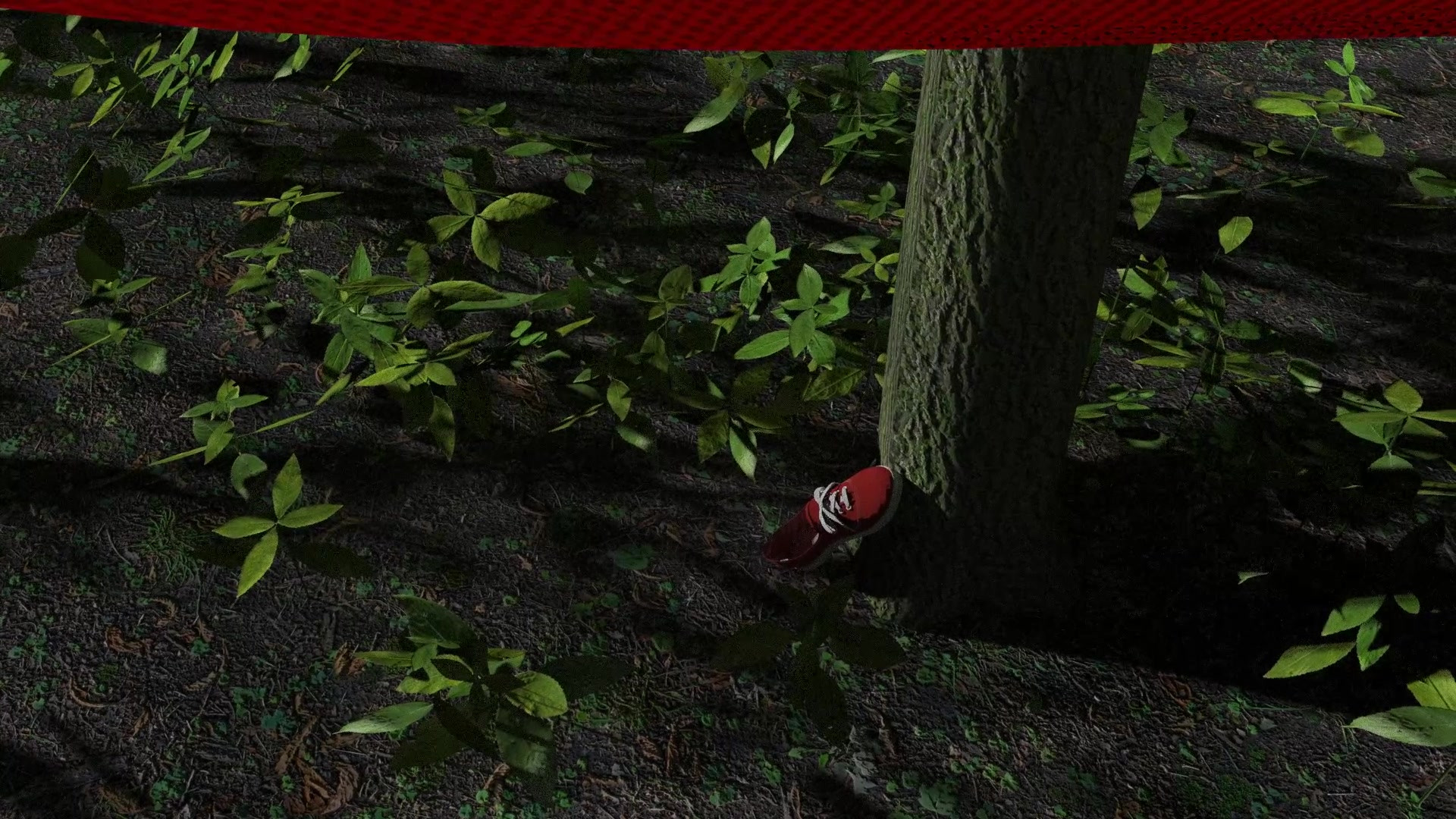
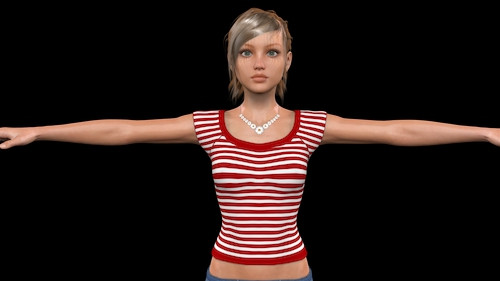
Hi all! I'm working on the next thing and I'm getting stuck early on with this problem in the cloth room: little "stringers" hanging off the edges of the clothing.I started with a Simple T-Shirt from 3D Age. I couldn't easily conform it to this model (Digital Creations' Amelia for V4) so I used the trick I'd done before, successfully, with M4: convert the conforming garment to an image and use my Python scripts to fit it to the target. That didn't work. I tried the Fitting Room - that just makes a skin tight t-shirt which looked really weird on this model.
I tried just using an object made from the base model of the shirt and let the cloth room do the rest. That is almost working.
But one problem is if it gets anywhere near those blue jeans - it goes nuts. So I shrank it in the y-axis and expanded it in the x and z-axes to provide a bit more cloth. This caused problems with the sleeves, but they seem to recover. Only later in the process (I've tried draping - sometimes as many as 200 frames - no luck) these bits come off the ends and seem to go down to infinity.
What's really puzzling me is the two coming off the bottom of the shirt - they're not near anything.
This is in Poser Pro 2014 and the garment is only colliding with the V4 model (and no head, hands, or feet).
I'm kinda stuck - anyone got a clue? (You may want to enlarge, or even download to see it in hi-res.)
Related content








Comments: 5

Too late to offer suggestions....You solved it yourself phraught, good man!
I was going to suggest "orphaned" points.... Don't know nuffin' about POSer but in C4D when I convert certain poser models to OBJs there are often many unconnected, unnecessary points floating about or even if I delete polygons it leaves the original points, which all influence dynamics...Fortunately I have a "remove unused points button"

👍: 0 ⏩: 1

A bit of PEBKAC on this one (you probably know that one, but just in case: Problem Exists Between Keyboard And Chair).
That conforming garment had no business being turned into an obj - but that didn't stop me.
But that one's solved and the "last" bug - (last problem I knew about) the wrong vertex count in the exported OBJ files for the V4 based model - that darned "Weld" option. Turned it off (POSer keeps turning it back on) voila! All better.
I'm on a roll - hope to have something in a few days. Probably next week.
👍: 0 ⏩: 0

glad you figured that
out. looking forward
to the next creation.

👍: 0 ⏩: 1
Yeah - that was really slowing me down - I'm on a roll now - one more issue to resolve and I think I can move forward on this like I'd planned.
👍: 0 ⏩: 0
Nevermind. I discovered that the last rows of polygons along each of the edges is very small - and the "stitching" down the sides is done also with very small polygons - making the ones at the four places causing trouble to be VERY tiny. I removed them and a couple around them and the problem got…. almost fixed.
But this garment was never intended to be a prop. I went back and it looks like the earlier problems I had with it as a conforming garment were caused by setting the T-shirt to follow the morphs - which doesn't work in the case of Amelia for V4, since it doesn't use morphs. Turning that off and manually modifying the T-shirt morphs did the trick.
Another lesson learned.
👍: 0 ⏩: 0