HOME | DD
 XxMurderdollxX — Illustrator Tutorial Edited

Published: 2007-10-11 22:55:51 +0000 UTC; Views: 22308; Favourites: 229; Downloads: 915
Redirect to original
Description
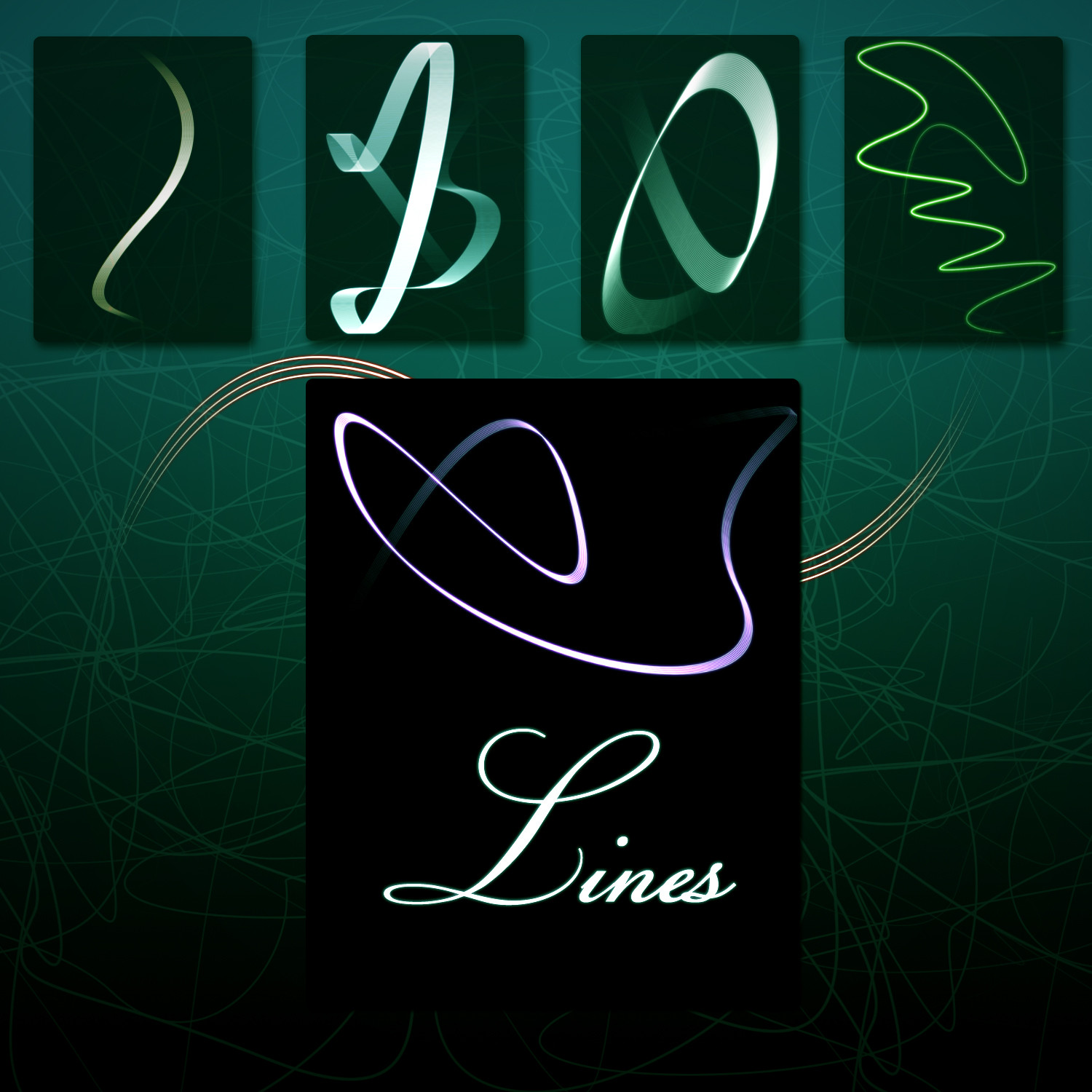
EDIT: well thanx to , apparently you dont have to flatten the shape to apply gradient. So take out the last step and instead go Object - Blend - Expand...Well some people asked me to do this and I myself was very mystified about how to make those until StickToon pointed it out to me, so here I am, explaining how to make the curves and how to colors them. Fairly easy tutorial, perhaps even very easy, so hope no problems occur while attempting to do this and good luck! Let me know if any problems do occur

Oh yah, you can download the file if you want to
Related content



Comments: 83


Thanks! I will try that for sure. I always tought it was hard to do, but it seems really easy.
👍: 0 ⏩: 0

Er.. when I click blend option, i did your option. But after that, I can't even click "make" in blend option. Why is that? It's disabled.
👍: 0 ⏩: 1

hmmm... i dont even know what to say. Are u hitting OK in the blend options, then going back into Object-Blend-Make?
👍: 0 ⏩: 1

i have no idea then, try starting over from the beginning? only advice i have, sorry
👍: 0 ⏩: 0

I was just thinking how people do this... I'm not a fan of rtfm, so this is just perfect. Thank you
+fav

👍: 0 ⏩: 0


thanks alot!
i wondered why gradent wasnt working
👍: 0 ⏩: 0

omg thanks bro
i've been looking for a tut for those lines for about 3 months now *_*
👍: 0 ⏩: 1


Amazing. I never thought it's that easy to create these vectors! Nice tutorial.
👍: 0 ⏩: 0


this really helped me, thanks for making it, not only can i make these but it has opened me to a hole new world in illustrator.
👍: 0 ⏩: 1
lol dont know about whole NEW WORLD in illustrator, but im glad i can help out!
👍: 0 ⏩: 1
haha sorry i was watching aladdin while looking at this.

👍: 0 ⏩: 0


easy to understand and result s awesome, thanks so much

👍: 0 ⏩: 0

i keep getting color under my design. how do i get rid of that?
👍: 0 ⏩: 1
that is because ure not flattening it... u sure u follow every step correctly?
👍: 0 ⏩: 1
i flattened it and also tried expanding it but neither worked. i also tried putting each path on their own layer but that didnt work either. im using illustrator 10 if that makes any difference but i doubt thats the case. im at a lose and really could use something like this to integrate into my art. hope you can help me figure this out. thanks for responding so quickly before!
👍: 0 ⏩: 0

omg, im probably the biggest noob ever, first i do the pen tooling, and then i go to object > Blend > Blend options, and choose the same as you, and then im about to go to ....Blend > Make, it's locked, only thing i can select there is Blend options, and nothing happens whatever i do in it lol

👍: 0 ⏩: 2
no tell me how can you get it working? i havesameproblem
👍: 0 ⏩: 0
nvm, i finally got it working
👍: 0 ⏩: 0

this looks great.. thanks for the effort in putting it up...
👍: 0 ⏩: 0


Hi ,you've been featured in this news article
https://news.deviantart.com/article/39459/

👍: 0 ⏩: 0


este tutorial me ayudó a recordar, ya había olvidado como se hacía eso, gracias amigo
👍: 0 ⏩: 1
u know not everyone speaks spanish, but ure welcome
👍: 0 ⏩: 0


why do you have to flatten it? you should go to object>blend>expand and the selected blend will expand to strokes. then outline them of course
👍: 0 ⏩: 1
oh well dude no one told me that! thank YOU haha
👍: 0 ⏩: 1
yeah 
👍: 0 ⏩: 1
ok well thanx for pointing that out to me, ive edited my comments... what method were u using before u found this out?
👍: 0 ⏩: 1
well, i was just doing it by transform>all, but it wasnt very helpful because you can do some repeating with it, but for example a lines dont have ends together...its not blending, its just rotating for a little much and then repeating and again... then ive found this blend tool in some tutorial on evoke... so ive been messing with it a little
👍: 0 ⏩: 2

but you only take 2 points, correct?
👍: 0 ⏩: 0


i wanted this to know for sooooo long.
thx a ton <3
👍: 0 ⏩: 1

wow dud this is immensely helpful! thanks! i'll try not to overkill/murder this technique... hehe
👍: 0 ⏩: 0
| Next =>