HOME | DD
 griffsnuff — surrounded by blocks tutorial

Published: 2013-02-09 14:35:45 +0000 UTC; Views: 39101; Favourites: 2386; Downloads: 216
Redirect to original
Description
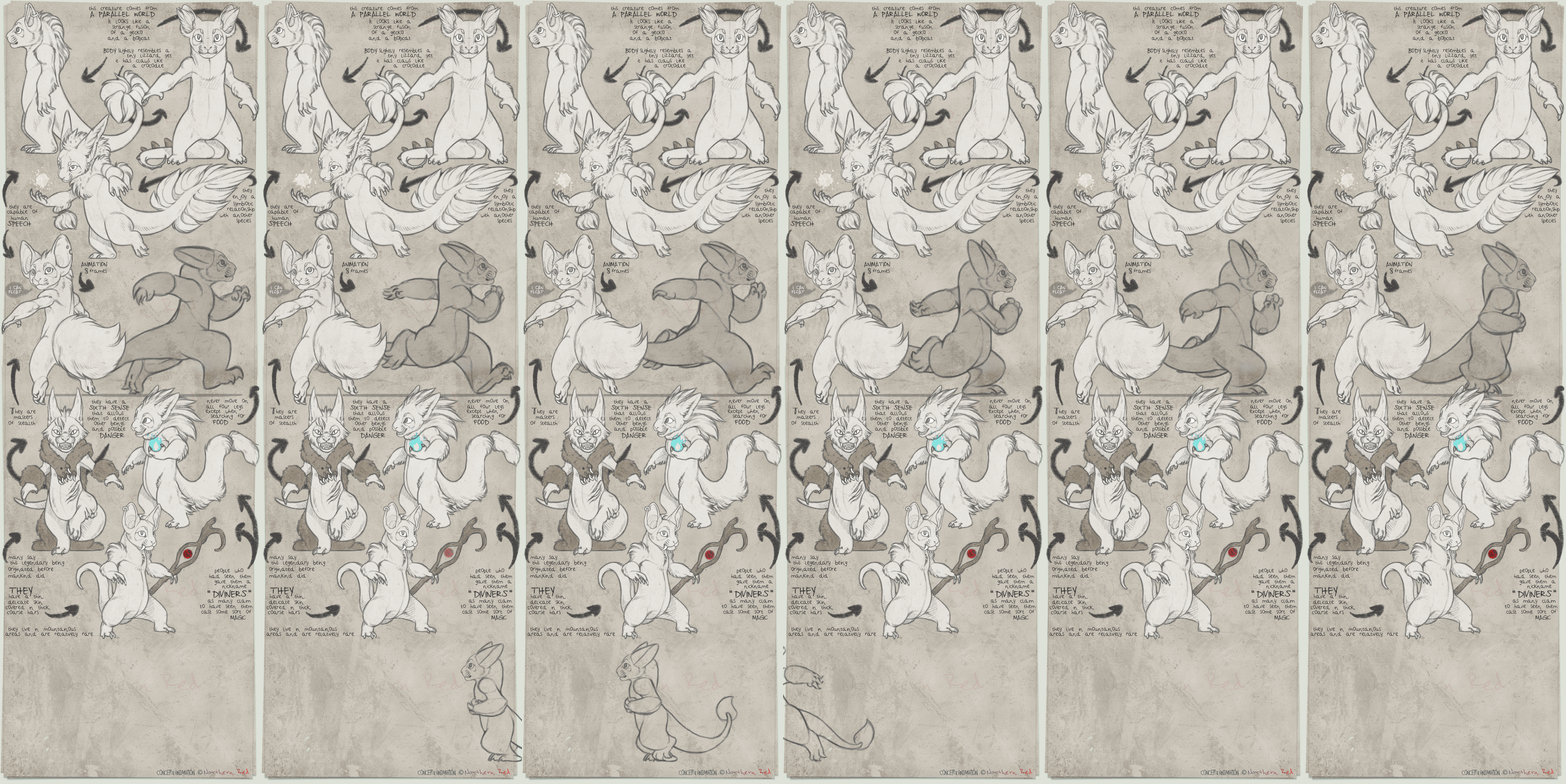
A lot of people were asking for this so why not x3.This was made in photoshop
I cant help with other programs.
Atom (character) belongs to me.
Related content







Comments: 218

That's really strange because I have CS5 and it's there...
👍: 0 ⏩: 1

I have it in german, i dunno what that filter means in german D:
👍: 0 ⏩: 1
the second to last one in that category should be the one you are looking for.
👍: 0 ⏩: 1
weird, it's not there .3.
👍: 0 ⏩: 1
O.O I dunno what to say... maybe you need the English version
👍: 0 ⏩: 1

Oh my god the ctrl+j shortcut just saves my life so much. I always dragged the layer to the "new layer" button to copy it D:
I knew the effect before but I thought it would ruin the pic a year ago, I guess it's very fun to do now~ ;u;
👍: 0 ⏩: 1

xD omg I know! I used to do all sorts of crazy things, its good to learn shortcuts
👍: 0 ⏩: 0


What number do you usually have it on?
I cant seems to make it look right D:
Thanks for the tutorial!!
AWESOME!

👍: 0 ⏩: 1
xD depends on the size I draw in, so it varies all the time.
👍: 0 ⏩: 0


Oh my goodness. I don't know if it didn't work for me, but I feel like an IDIOT not thinking about just hiding the white background LOL. Maybe I have though and it didn't work, but still
👍: 0 ⏩: 0

Hehe
I figured out how to do this by experimenting in Photoshop a few days ago
This is a great tutorial though!
👍: 0 ⏩: 0


This method is pretty similar to GIMP!~
👍: 0 ⏩: 0


thank you SO much, I love this effect! C:
👍: 0 ⏩: 0

Heh, that's a lot more simply done than you'd think! This is a pretty cool effect.
👍: 0 ⏩: 0

Griff, how do you keep transparency without it being PSD?
👍: 0 ⏩: 1
xD read the tutorial again.
👍: 0 ⏩: 1
Now I see it! It sometime doesn't work though, is CS6 different in a way?
👍: 0 ⏩: 2

CS6 works the same exact way. You have to make sure that you don't draw directly on the white layer. It has be be on a transparent layer on it's own.
And when you save you have to save it as PNG or else it'll get a white or black background by default.
👍: 0 ⏩: 1
Just figured that out before you commented. Thanks though
👍: 0 ⏩: 1
It shouldnt be to diffrent.
👍: 0 ⏩: 0

So you can't say me, how it works with Gimp?
👍: 0 ⏩: 2

Someone in the comments answered this actually
"Well, there is a pixelize tool in GIMP, it's under the 'Filters', then 'blur'"
👍: 0 ⏩: 1
xD it says so in the artistcomment doesnt it.
👍: 0 ⏩: 1

👍: 0 ⏩: 1
ok 
👍: 0 ⏩: 0

Such a cute pic
Anyone who knows how to do this in SAI maybe? >.>
👍: 0 ⏩: 4

For SAI, maybe doubling the picture, shrinking it a LOT, and then resizing it could work but not sure how well the quality would turn out xD
👍: 0 ⏩: 1
'ey good idea
👍: 0 ⏩: 0

You could use something like Paint.Net, which has a pixelate thing if I remember rightly, and add that to the layers in SAI.
👍: 0 ⏩: 1
Ah, thanks! I didnt know that <3
Good that i still have Paint.NET c':
👍: 0 ⏩: 1

SAI doesnt have the filter option like Photoshop.
So it wont work.
👍: 0 ⏩: 2
Dang it :/
Another person told me i could use Paint.NEt so i dont think i need it anyways :' )
👍: 0 ⏩: 0
You could use something like Paint.Net, which has a pixelate thing if I remember rightly, and add that to the layers in SAI.
👍: 0 ⏩: 1
Yea that works
But if you're only working with SAI then it wont work ^^
👍: 0 ⏩: 1
<= Prev | | Next =>