HOME | DD
 paradigm-shifting — Custom Linux Desktop 03

Published: 2008-10-03 19:26:56 +0000 UTC; Views: 1269; Favourites: 2; Downloads: 85
Redirect to original
Description
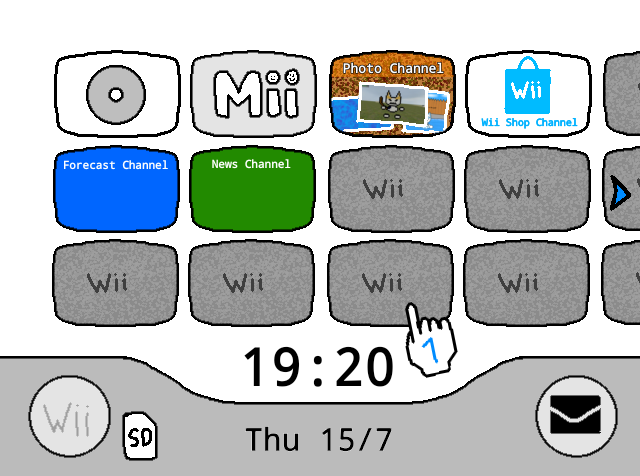
This is just one in a series of screens I'll be uploading, to help make a very important point.A Desktop Interface and an Operating System are two ENTIRELY DIFFERENT THINGS. Whenever I tell people about Non-Windows Operating Systems, I've lost count of how many times I've heard "is it hard to learn a new Desktop?" -- as if somehow -- some way -- the change in Operating System has anything at all to do with it.
To assist me in making this point clear, I'd like to advise that you also check out my MS Windows Screen Shots -- [link] -- as they show and explain that using Addons such as SharpE Shell and LiteStep, you can make your Desktop look exactly like (or even nothing at all like) the Linux Desktop.
This screenshot however is to show you that Linux can do the exact same thing -- and if you people absolutely insist -- can even look and feel exactly like Windows XP or Windows Vista.
The reason why is -- a Desktop is a Desktop. They all have folders, shortcuts, icons, right click, left click, documents, pictures, music and yada yada yada. Same shit, different Desktop Environment.
How configurable the Desktop Interface is or is not, is what determines whether or not you should use it. If it functions the way you want it to, then great. You should use it if you're getting out of it what you want from it.
Most Linux Distributions are FREE. Consult Google for further details, though I personally use Ubuntu and I like it very much: [link]
People hear about Linux and other OSes being "better, safer, faster, more stable, immune to spyware, etc.." but they fear trying them out because "oh gee i don't know how to use the desktop on linux!" ... well, of course you do, silly! Cuz a Desktop is a Desktop! lol ... LiteStep is the best example (as well as SharpE Shell) to make the point because people can take their current MS Windows System -- install LiteStep (or SharpE) -- install a LiteStep (or SharpE) theme and then see for themselves that Windows can look VERY different -- yet still function the same as ever. People would be quicker to check out new things such as Linux if they weren't under the impression that it's going to be some foreign alien interface from hell.
Now of course every OS has differences from others. Hell -- even MS Windows OSes have distinct differences from one to the next. So I'd always advise test driving this sort of stuff and not removing what you currently have. Leaping without looking tends to be fatal.
There are two main ways to test drive most Linux Distros without risking any tampering to your Windows Machine:
1) If a Distro supports "Live Boot" or "Live Install" -- what this means is that you'll be able to boot the default Desktop of the OS right from the CD itself and screw around with it WITHOUT making any changes to your system. The install icon is purely an optional choice and you should not feel forced or pressured to install anything, ever.
2) There is a free software by Sun Microsystems (the same people who make JavaScript, among other things) called VirtualBox which can be found here: [link]
This will allow you to create a "fake computer" upon which you can install almost any operating system into almost any other operating system -- so that the "mock pc" runs as "an application". For example -- you can run Windows XP under Linux -- or -- you can run Linux under Windows XP. It's a perfect way to test drive a fully functional installation of an Operating System knowing that any modifications you make won't mater.