HOME | DD
 ThirdPotato — Tutorial- CelShading+Modes

Published: 2007-05-14 20:09:38 +0000 UTC; Views: 14887; Favourites: 162; Downloads: 387
Redirect to original
Description
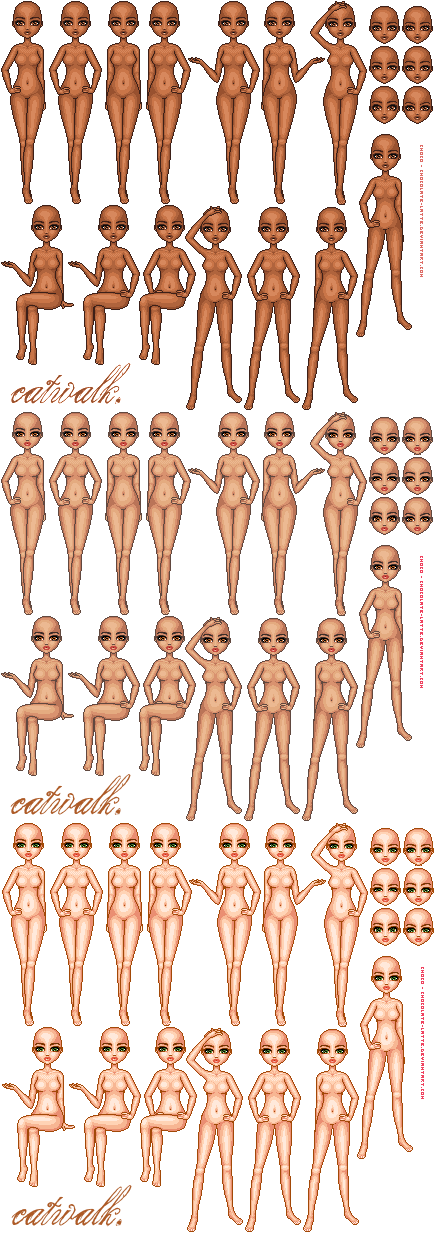
A test sheet of the layer blending modes in photoshop and how they can effect cel shading. This is pretty much how I shade.Also play around with the hue and saturation of the shading layer. You can get great effects and beautiful colors.
Related content






Comments: 17


Instead of the flats layer being under the shades, "switched with layer1" means the flats layer is on TOP of shades.
👍: 0 ⏩: 1


Thank you so mutch!!! This was one of the parts i didnt quite get it in photoshop, thanks
👍: 0 ⏩: 0

i like multiply ALOT. i'm going to consider adding it in my technique now, thank you.
👍: 0 ⏩: 0

Very helpful :3 Do you have any tutorials on women/men nude by chance on cell shading? I am currently trying semi-realism, and I think I might be better off just using cell shading since its less time consuming.
👍: 0 ⏩: 1
Indeed, I have many tutorials; You can check out my Reference folder in my gallery for the full extent of them
[link]
I recommend [link]
[link]
[link]
[link]
and [link]
👍: 0 ⏩: 1


great work, I can see this really coming in handy.
I've still been lurking around every so often, just not commenting xD;
love your tutes <3
👍: 0 ⏩: 1
THanks! I appreciate it; I try to get some tuts out there more often, but they're so time consuming x.x XD Thansk again for dropping by!
👍: 0 ⏩: 0

Iam confused...what does the smaller sized and the bigger sized character present??? explain
is one of them the original colors?
👍: 0 ⏩: 2
Sorry, ja its hard to read. But basically the larger one is blending the solid color OVER the shaded layer. THe small one is blending the SHADING layer -over- the solid colors. They create two different effects. Did that help?
👍: 0 ⏩: 0
she makes it clear at the top of the tute, it shows which order the layers for the larger one are in. The smaller one shows what each mode looks like with the layers switched around.
I'll let her explain the colour arrangment herself.
👍: 0 ⏩: 0


XDD HA D'aw! Thanks for the comment!
👍: 0 ⏩: 0