HOME | DD
 Thy-Vipe — Skin

Published: 2014-06-24 02:57:42 +0000 UTC; Views: 5147; Favourites: 88; Downloads: 44
Redirect to original
Description
Hello
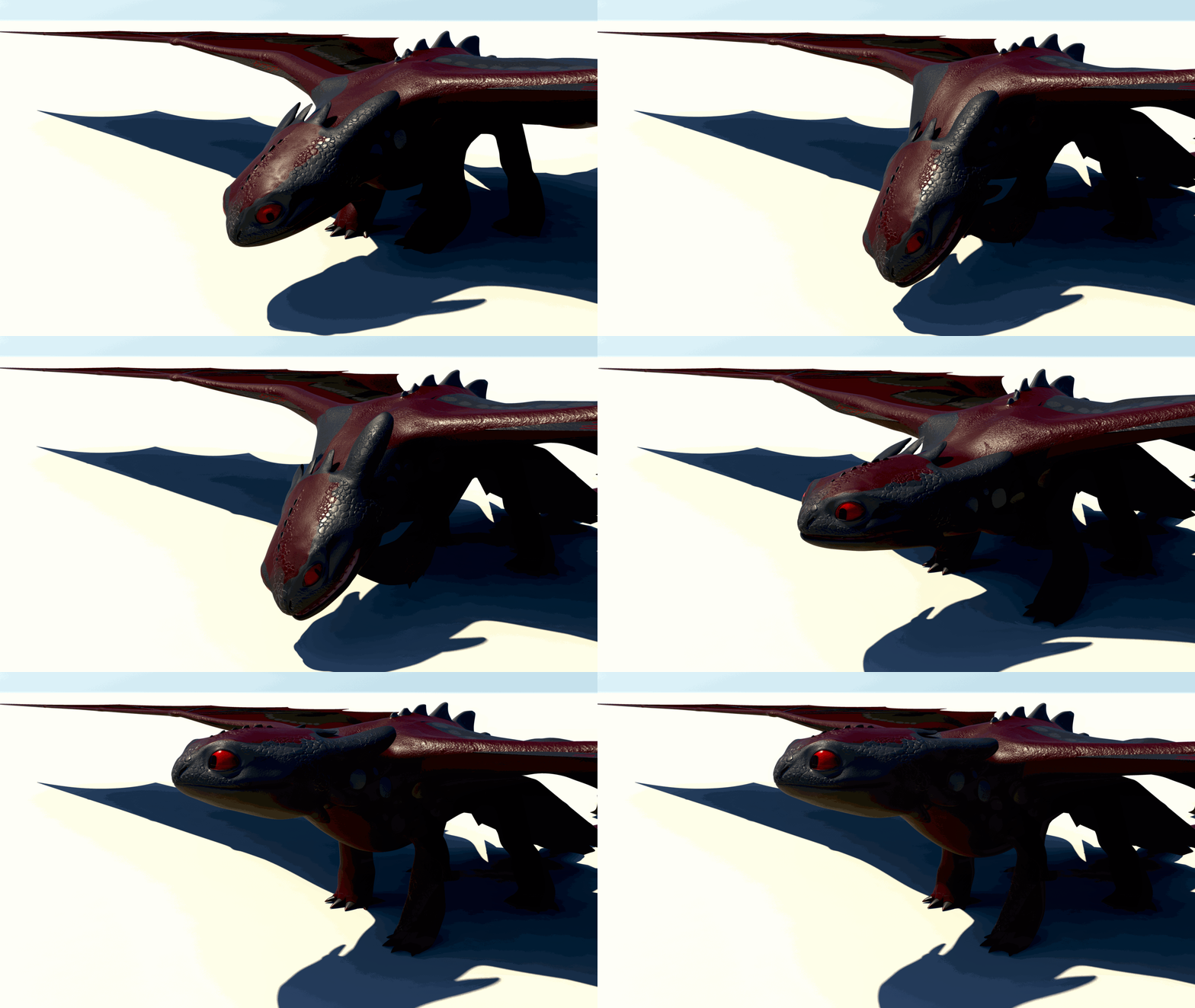
Here's a quick render of what I currently have, some things are not fixed yet, because of the currently-messy-bump (the arms are "too rough", the scales needs to be improved, etc..)
BUT, I find the texture very cool looking, what do you think of that?
To have those colors I used a diffuse texture, a weight map (global color in a certain way) and a reflectivity map (I'll detail this later).
I think this dragon will be finished for the end of the week. I'ld say.. DAMN.. FINALLY. (however it can fly, now, so I'll make some flight test animations, and with those textures, I think this will come out.. Nice..
)EDIT : Finished the scales and kinda fixed the arms. I still need to make some kind of nuances for the scales.
And again, I totally forgot to precise the softwares I used.. My bad !
I used Photoshop for the textures, Maya for rigging, modeling, MentalRay's shaders and Mental Ray to render.
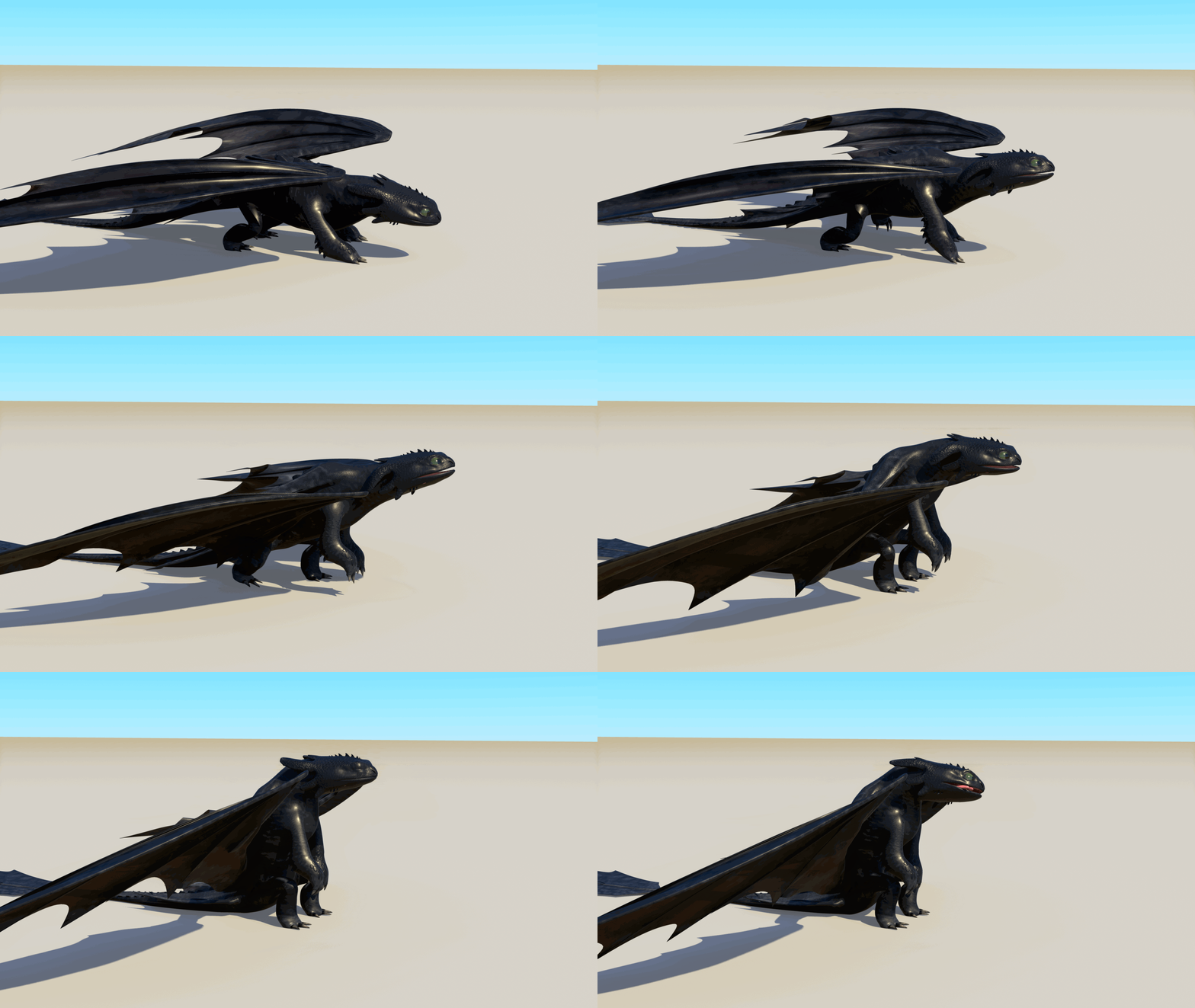
"Old" version :
Related content






Comments: 77

I wrote the name of the programs I used in the description.. ^^
👍: 0 ⏩: 0

Wow... this is awesome O_O
It almost looks like the original one. I've never tried 3D before, but it sounds difficult; You must have been working so hard on this.
Great job
👍: 0 ⏩: 1
Thanks !
Well, actually the difficulty depends of your knowledge, but it is really, really time-consuming.
👍: 0 ⏩: 1
You are amazing for your age
Are you planning to be a professional 3D artist?
👍: 0 ⏩: 1
Thank you !
Yeah, I would love to be in a great animation studio later!
So yeah, I keep practicing to be as good as I can before going in an animation school.

👍: 0 ⏩: 1
Great!
I hope I'll see your name on screen someday.
👍: 0 ⏩: 1


Skin looks very good - especially on wings. Your model looks stunning; I can't wait to see it finished and see how it moves. Very professional look - you can be proud. Definitely!
👍: 0 ⏩: 1
Thank you !
Yeah, that will probably come fast. I'm planning to make an animation test soon.
👍: 0 ⏩: 1
Good to know! I hope it would be as good as you wish to!
👍: 0 ⏩: 0


Anytime 
👍: 0 ⏩: 1
I made everything with Photoshop and a graphic tablet
look :
The original size is 8192x8192 px, and on the model it is converted to a size of 4096x4096 px
👍: 0 ⏩: 1
Wow, really nice UV layout
👍: 0 ⏩: 1
No problem
👍: 0 ⏩: 1
You're welcome, thanks for yours!
Between... I took a look at your work, your 3D work in particular. It looks nice but I think that with a little more light and more specular effects it could be cool
and concerning the pokéballs' texture, adding a little bump to make some markings to show that they were already used (like scratches, etc..) could be nice too
When did you start with 3D?

👍: 0 ⏩: 1
Now your touching upon something i was planning to do. My idea was to have it so the paint was chipped away, but I wanted to see how they looked rendered (As i was doing it in 4K resolution, wanted to make sure they looked okay) but after a 20 hour render, I wanted to wait a while before having to do that again haha.
And when i started 3D work was in 2010. However that was like once every like 3-4 months, when the new version of blender would come out. I just started up again like a couple of weeks ago, as I want to make it my strongest area.
Using Cycles to render is a new one for me. I had only ever rendered using the internal rendering engine that blender provides. Now i am using the Cycles engine, it allows more realistic looking results. For my first attempt at Cycles, i wouldn't say it was too bad, but you are right about them needing to look like they are quite used. Especially considering the amount they get thrown.
I would be glad about any constructive criticism you could give, or if you know any good ways to get specular effects then I would really appreciate it
I mean yeah say I started my first ever thing in 2010 with 3-4 month gaps between a model that would never get finished, I can quite easily say that I am a noob when it comes to all this.
👍: 0 ⏩: 1
I see..
I personally started 3D for about approximately 8 months, a little bit more, maybe. And now... I can't get rid of this "passion" for 3D and computer graphics. I'm planning to go in an animation school when I'll be "old enough".
For what you're planning to do everything will take place on the diffuse, the bump and the specular map, for the scratches, etc... You'll have to texture the diffuse map, giving it the looking that they are used. (adding some dirt color, etc..) and then for the effect of chipped paint, everything will be on the bump, it may have a different name in Blender (I'm a Maya user) but that should exist. The bump give a 3D effect on a 2D texture, for example for the dragon I used a bump texture to make the scales, they are not actual polygons.
And for the "damaged paint" you'll use the reflectivity map, generally called a specular map. For what you want to do, where the painting is chipped away/damaged, you'll paint in a darker color, and where the painting is intact, you'll use a totally white color.
Do you know how Maps works ?
If no; for a diffuse texture, nothing to know excepted that this is the color of your model.
For a bump, specular, etc.. Map, black means an input value of 0 (by default) and a white color means an input value of 1 (again, by default).
In game, for the "3D" effects, we generally use a Normal Map, which is actually a texture in which each pixel is a vector, giving the coordinates of the position of the diffuse surface, you don't need it in animation, if I'm not wrong.
I don't know exactly how it is in Blender, but that should kinda be like I said.
Here's how looks a specular map in a certain way :
And, well, of course, I'ld be glad to give you feedbacks about your 3D work. I'm not a professional, but I think I can help you!
I'll be watching!
👍: 0 ⏩: 1
I looked up a few tutorials on basic things, and i noticed them using some bump maps, but I didn't quite understand all the maps and what they all do. So like say i was adding a chipped paint texture, i'd just usually get texture of a like steel of some sort, then cut out what i want and make the rest into alpha, and add it into a texture node. But for normal maps, specularity maps and bump maps. Blender does use them all, but you have to get the image you want, and make it into a specific map type using a different piece of software.
👍: 0 ⏩: 0

Eheh, no I used the software called "Autodesk Maya" to make everything, from the modeling to the shading. The textures were made with Photoshop!
👍: 0 ⏩: 0

Thanks!
Yeah I think too ! At least we can see the "loads" of improvements from the first deviation with a night fury to this one
👍: 0 ⏩: 1

It looks really good now. The scales start to look more realistic^^
On a scale of 0% to 100% How much is your NightFury completed?
👍: 0 ⏩: 1
Thank you very much man
Eheh, I'ld say that.. It's 90% completed!
👍: 0 ⏩: 1


Hey man, good work! Even as a WIP this looks well! Make the lighter marks a more random, they look too orderly 
👍: 0 ⏩: 1
Thanks!
Oh yeah, you're right, thanks for the tip! (again!)
👍: 0 ⏩: 1
No worries, that's what I'm here for
👍: 0 ⏩: 0


YESSS! Glad to know your getting closer to finishing this :3
👍: 0 ⏩: 1
| Next =>