HOME | DD
 PeterRollar — Win7 basic for BorderSkin0.2.9

Published: 2010-09-09 19:42:04 +0000 UTC; Views: 11343; Favourites: 19; Downloads: 2264
Redirect to original
Description
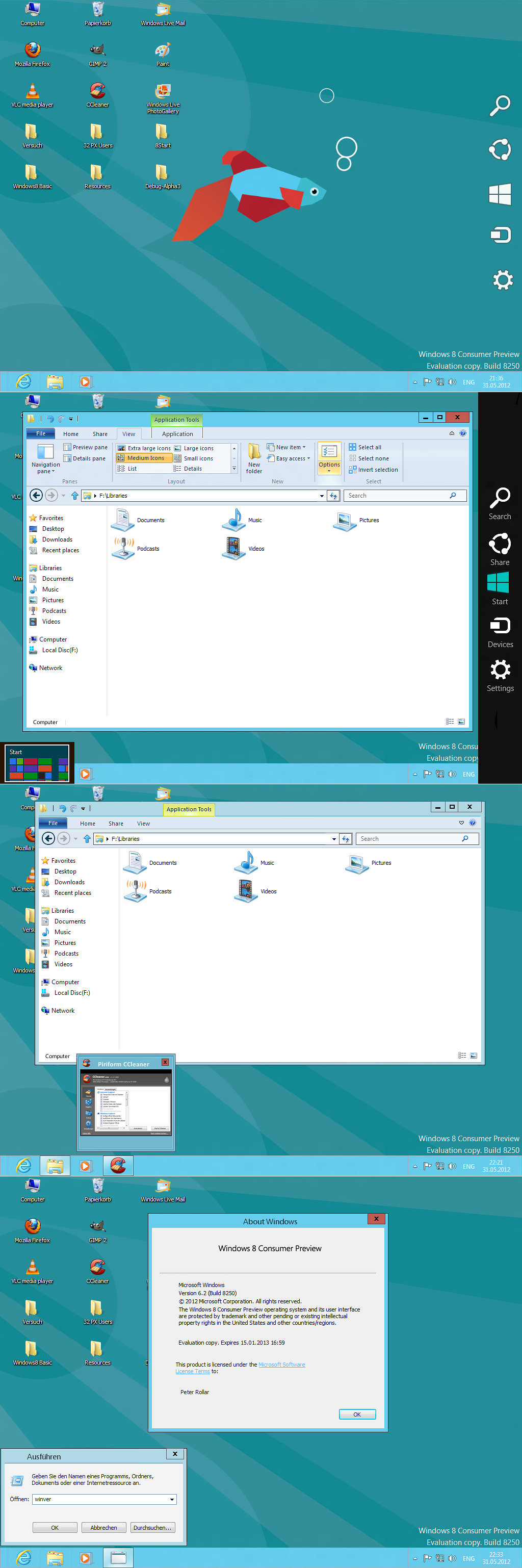
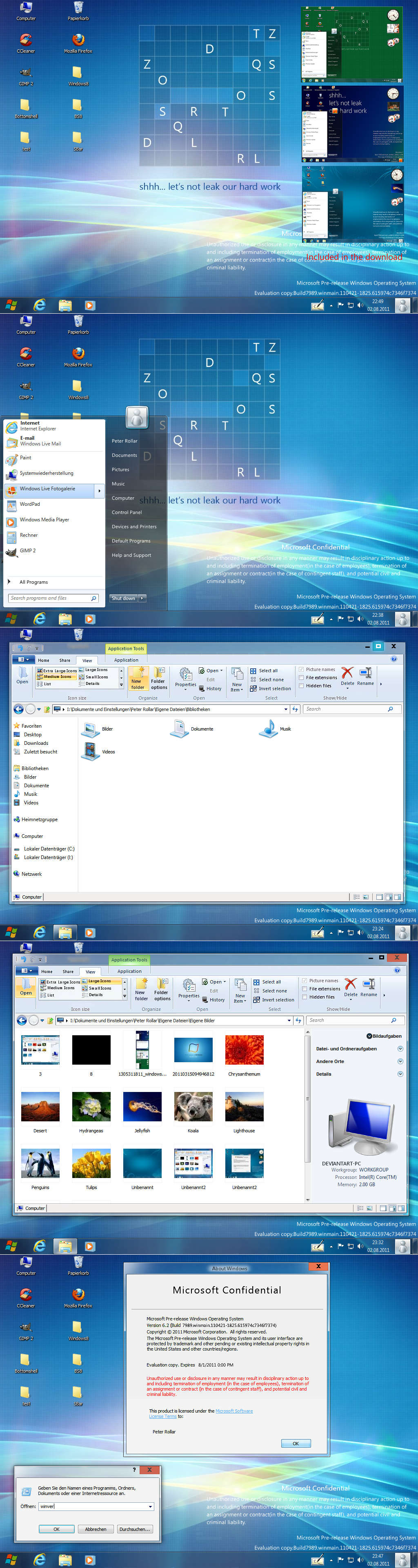
Win7 basic look for BorderSkin. I know it's a shame to use the best transparency app for something like this. But it is the only possibility to get the basic explorer look.Simply unzip the file and put basic and basic explorer in your BS themes folder.Pack also contains the taskbar background.bmp. This can be used to replace the original taskbarbackground. bmp in your mmstyle file.This gives you the look of the taskbar as shown in the screenshots.
This is meant to be used on XP.Has a different appearance on 7. Also it makes no sense to use it there.

Matching Vistart startmenu available here
[link]
Related content








Comments: 38


Heya my friend!
Thanx for nice commenting. Where have you been?
👍: 0 ⏩: 1

Ahh, just celebrating "Holly Eid" with my friends & relatives so no time to open my computer. but everything is fine now.
👍: 0 ⏩: 1


You know i was thinking on doing this but one prob, i got So much reasources from win 7 and i can only find the basic look thingy in the aero msstyle resources i can't find the right transparent ones D: did you? ( i extracted my resources from a win 7 home basic [cozins one] gonna do it again with my ultimate if that does anything)
👍: 0 ⏩: 1
I think basic doesn't content the aero theme.Most of the resources you need aren`t in the msstyle. Go to windows system32 and look for explorerframe.dll.
There you should find what you need.
👍: 0 ⏩: 1
I still didn't find anything in explorer frame :S but it's ok, I'll search further more myself 
👍: 0 ⏩: 1

On the other hand, it looks quite good when S4.0 is set to "Alternate Tabs Background" display. Also, if this is how Windows 7 Basic actually does look, I'll take the genuine over my preference.
👍: 0 ⏩: 1
BorderSkin only skins a small upper border of webbrowsers, it doesn't skin the explorer.Explorer skinning is only possible for normal windows.This is for sure for IE and chrome. Don't know for Firefox, because i never use it.You must change the toolbarbackground in the msstyle file to make it look like the border.
👍: 0 ⏩: 2
In trying to fix the color issue, I am finding that you don't always get what you'd expect out of Borderskin. The color you out in does not seem to match the color you get out. I'll have to run this by ~komalo , as I'm having similar issues with setting up a color profile for Stardock Diamond. I don't think this'll be resolved very soon.
I don't think it's your colors as much as it is the source images used to render the borders themselves. The program seems to get confused when you specify an opaque color for a transparent base image - no wonder. As far as I'm concerned, you are probably going to get better results from a non-transparent border frame image. That removes the issue of finicky color profile, but cripples the skin as a whole. It would only be able to use one color - which isn't as much of a problem, as we're talking opaque, Windows Basic styling and not glassy Aero.
It's complicated. Very complicated.
👍: 0 ⏩: 1
Above; Third sentence;
The color that you put in the skin.ini file does not seem to match the color you see in Borderskin.
Don't really know how I goofed that up …
👍: 0 ⏩: 0
I know Firefox Dosen't use explorer skinning. I'm saying that the Standard window theme could use some work. First off (and this I can easily take care of) is a i pixel border on the bottom of the title bar, separating it from the rest of the window. The other problem is that it's color is a few points off - it's a bit too blue. I do have the RGB codes for windows Basic; so if that's what you need, I can provide that for you, even though all you need is a color picker: you can get those in browsers these days.
Most of it is tinkering, which I'm more than willing to do myself. I'm saying that - unless Windows 7 Basic is a different color than Windows Vista Basic - you haven't quite matched the color.
And about Strata4.0; it skins Firefox's toolbars in several ways. It can be set to match the colors of the toolbars in a few Windows XP themes, such as the defualt three Luna colors. It also has an Aero mode, which applies glass effect to everything in the window except the conetent area (the webpage itself), but, as Aero isn't even available to all Vista or 7 users, the maker was kind enough to provide toolbar scripts which match Windows Basic frames - active and inactive (perhaps the coolest part). And, when comparing his theme (for firefox) with yours (for borderskin), the colors are way off the mark.
The screenshots I provided should tell the tale more clearly - especially considering our language barrier.
I have a hard enough time explaining my thoughts to my own family at times; I find I think in images more than words. And, I'm ~1/4 Italian, so you can bet on lots of movement with my hands!
PS; This is defiantly the longest post I've ever made on deviantART.
👍: 0 ⏩: 1
I know what a colorpicker is and how to use it.In first line i do such things for my personal use.I like it a little more blueish, because the original is to pale for my taste. You can easily change it.
👍: 0 ⏩: 1
I wouldn't say easily, but yes, I can tinker. And I do actually like the extra blueness.
👍: 0 ⏩: 0
In contrast, here are shots of a skin that does work:
[link]
[link]
👍: 0 ⏩: 0
I'll post some screenshots of my problems. I'm using this mainly on Firefox, in conjunction with *SpewBoy 's Strata4.0 theme in Basic Styles. It should give you a few helpers.
👍: 0 ⏩: 1
Spew bow's strata 4.0 Firefox beta is here man, looks 10x better than the mockups.. Get it on the homepage ( says 'firefox 4 beta is here') ( it's been like 3 months now..)
👍: 0 ⏩: 1
Strata40 isn't the issu here, it's working perfectly.
👍: 0 ⏩: 0
The non-Explorer skin needs a little work; the inactive state isn't defined. The color is off.
👍: 0 ⏩: 1
Thanx for the hint.Fixed.
👍: 0 ⏩: 0


Really looks like Windows 7 Basic. Great job Peter!

👍: 0 ⏩: 1
Hi Ian!
Nice to hear such words from a pro.
👍: 0 ⏩: 1
Thanks Peter! You're pretty darn good yourself! If only I had more time to continue working on my Aero Xtreme stuff. I'm currently designing my website and continuing work on that database application. I will soon send you a link so you can test it for me. It's coming along nicely but I haven't worked on it all summer...
👍: 0 ⏩: 1
To much honor.
👍: 0 ⏩: 1
YES, familly comes first for sure... We too often loose track of what's important. Thanks Peter! At least Aero Xtreme 7 XP is usable the way it is. If ever I don't finish it, it won't be a big deal.
👍: 0 ⏩: 1

erm, how does one replace the taskbar background? Am I supposed to hack the visual style? I'd rather not have to go that far …
👍: 0 ⏩: 1
Yes, you have to hack the visual style. But it is not ´that hard. If you want, i can walk you through.
👍: 0 ⏩: 1
Actually, I can probably figure it out. I've been doing a lot of hacking. The real problem is the fact that I keep switching between visual styles.
👍: 0 ⏩: 1
There shouldn't be a problem.Changing the taskbarbackground only change it for one single style. Means if you have a theme with three styles, the change is only on one of them.The others stay as they are.If you need help, just tell me.
👍: 0 ⏩: 0