HOME | DD
 YGKtech — File Browser 2.0
by-nc
YGKtech — File Browser 2.0
by-nc
Published: 2012-05-23 00:39:05 +0000 UTC; Views: 17730; Favourites: 8; Downloads: 695
Redirect to original
Description
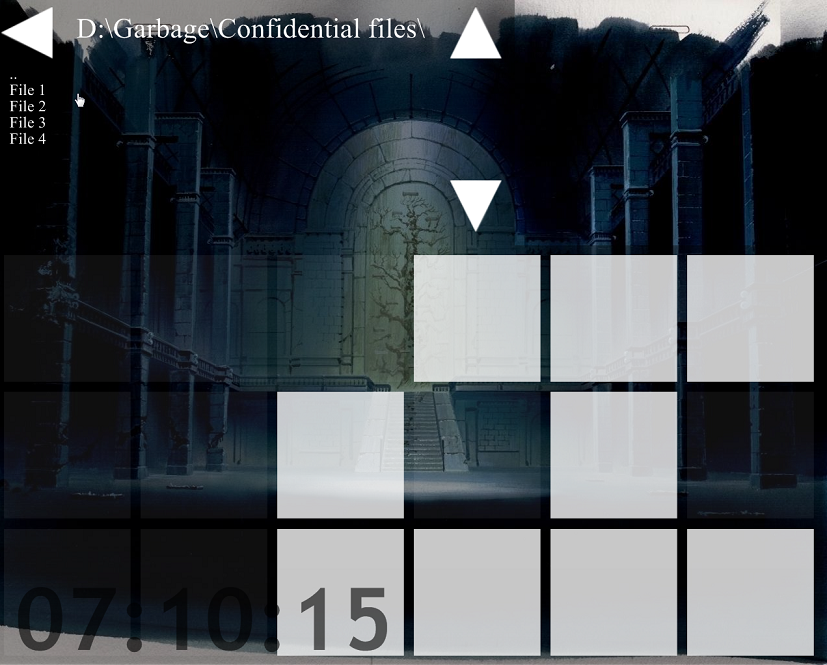
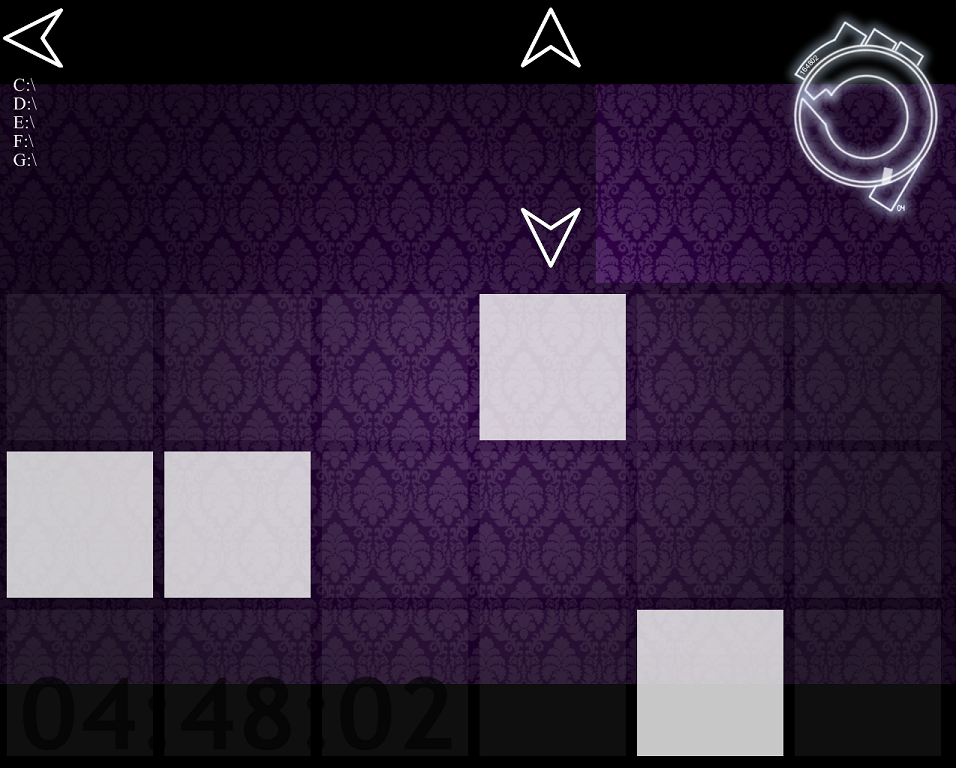
A revision of one of my first submissions to DA. Customizable File BrowserI made this version less dependent on the end user making their own modifications. This time around it's meant to be a finished product.
I have scaled it down and replaced the button images, the list now only displays 10 items at a time, and the source code is much cleaner.
By default the browser starts at a 'global' view of your filesystem, allowing you to navigate the file system from root. If you wish to change this, you may add a directory path to the "Path=" line in the browser.ini file, this becomes the default pathway for the skin.
This skin relies on the FileList plugin, which will be automatically installed along with the skin.
A note about the back button: because of the way the FileList plugin works, a true back button cannot be implemented very easily. The back button actually just clicks on the top item in the folder, which is usually "..", this is a pointer to the previous connecting folder. if you have scrolled down at all, the back button will click on the top item, either opening a file or moving to a new folder. if you accidentaly move to a new folder this way, the ".." item will be at the top, and the back button functions properly from there.
Simply put: if you scroll down, the back button doesn't take you back, it clicks the top thing in the list.
The binary clock is my own Binary Clock - Project Ghost
The digital clock is also mine: Simple Bar Clock
The wallpaper is concept art from the remaster of Mamoru Oshii's Ghost in the Shell (I think). I am rather sure of this, but I have been unable to find a link to the image anywhere other than an anonymous submission with no description on a random wallpaper collection site. I believe I am within rights/policy to use the image in my preview, but if anyone disagrees I can use a different image.
EDIT:
Just installed the new 2.3 RC1 version of rainmeter and it caused some problems with this skin. If you have the same issue don't panic, just re-install this skin. for some reason the rainmeter install deleted the file list plugin, this skin comes with a copy that is automatically installed when you run the .rmskin.
UPDATE: v2.1 is up. The only change is that the back button no longer requires you to be at the top of the folder to work properly.
Related content






Comments: 7

Hi man! hmm could it be possible a file browser that will load the files of the folder with its default icons and with options of copy and paste or the default windows right click?
👍: 0 ⏩: 1

I don't believe this is possible with rainmeter, and if it is possible, then it would be a lot of work. I love the idea of creating my own fully-functional file browser, but rainmeter isn't really equipped for it.
Rainmeter really just lets you create and animate buttons, creating a fully functional file browser like that would require interfacing with windows at a level that rainmeter just doesn't operate on. It might be possible to get close using some of the advanced plugins for rainmeter, or using Lua scripting, but I haven't done much work with rainmeter for a while now, so I don't know for sure what's possible.
👍: 0 ⏩: 1
Thanks man!, I thought about it, 
👍: 0 ⏩: 1
If the windows browser really doesn't do it for you, there are a couple of good alternatives out there. One I used a bit was Xplorer2, it had a good layout but it's not 100% free and I finally decided that if I couldn't have one that was exactly what I wanted (i.e. one I made myself), I should just use the one every windows computer I ever use will have.
If you do end up creating something with visual basic, I'd love to see what you come up with, and get my hands on the code if you feel like sharing

👍: 0 ⏩: 0
Should work just file, I can't think of any reason they might interfere with each other. If you run into any problems let me know.
👍: 0 ⏩: 1

yep doable but does not fit what geos is for.
can do quite much with the skin,vertical is a bit a pain.
not what i need for GEOS.
BUT VERY NICE.
👍: 0 ⏩: 0