HOME | DD
 rocketlaunch — Tutorial: Red and Blue

Published: 2007-11-28 08:23:02 +0000 UTC; Views: 6423; Favourites: 74; Downloads: 0
Redirect to original
Description
I will be using Photoshop CS2 for this tutorial.1. Go to layer > new fill layer > solid colour and type in #E1BBBB. Click OK and set that layer to colour at 41%.
2. Go to layer > new fill layer > solid colour and type in #1A1D33. Click OK and set that layer to lighten at 72%.
3. Go to layer > new fill layer > solid colour and type in #F3F49C. Click OK and set that layer to hard light at 7%.
4. For the last time, go to layer > new fill layer > solid colour and type in #EB8A8A. Click OK and set that layer to soft light at 18%.
5. Go to layer > new adjustment layer > selective colour, select "relative" and fill this in:
Reds: -27, -5, -17, -17
Neutrals: +8, -5, -2, -3
Blacks: +20, -1, -4, -4
Set this layer to 50% opacity.
6. Go to layer > new adjustment layer > hue/saturation and fill this in:
Hue: -5
Saturation: +10
Lightness: -10
7. Now go to layer > new adjustment layer > brightness/contrast and fill this in:
Brightness: +5
Contrast: +10
Now merge the layers and you're done!
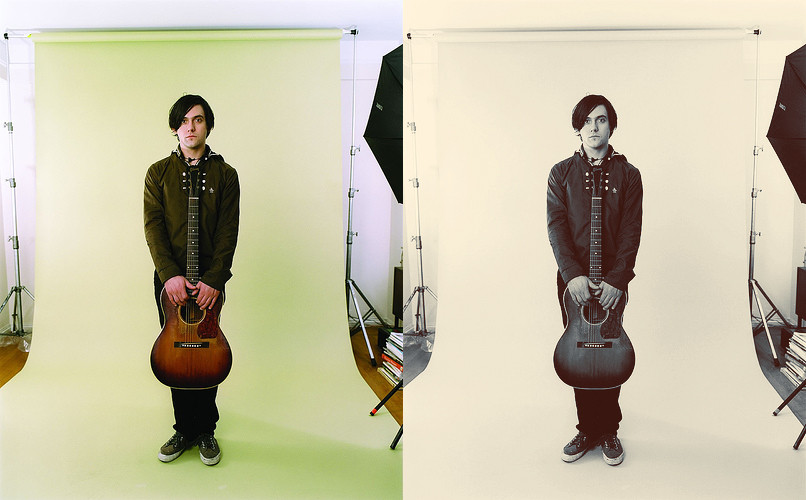
Photo: The Strokes
Found on the internet (last.fm). All credits go to the photographer. I am not claiming this as my own, I am simply using it as an example.
Related content










Comments: 8

Another great tutorial...thanks from us all in The Peanut Gallery!
👍: 0 ⏩: 0


I'm going to try it out tomorrow when I have a second free. Fav'd it anyways :]
👍: 0 ⏩: 0

I think you've forgotten a few things or wrote down something wrong cause mine turned out different, twice.
👍: 0 ⏩: 2

I did mess up on the selective colour, it was +20 on the blacks instead of +2. Typo I guess. :/
The colours look different on all photos, mind you. I chose one with the most normal "straight-off-the-camera" look for the tutorial.
👍: 0 ⏩: 1
I know, but I used the same picture just to check 
👍: 0 ⏩: 1