HOME | DD
 David-c2011 — Basic Digital Art Tutorial

Published: 2011-08-16 17:42:41 +0000 UTC; Views: 2107; Favourites: 2; Downloads: 7
Redirect to original
Description
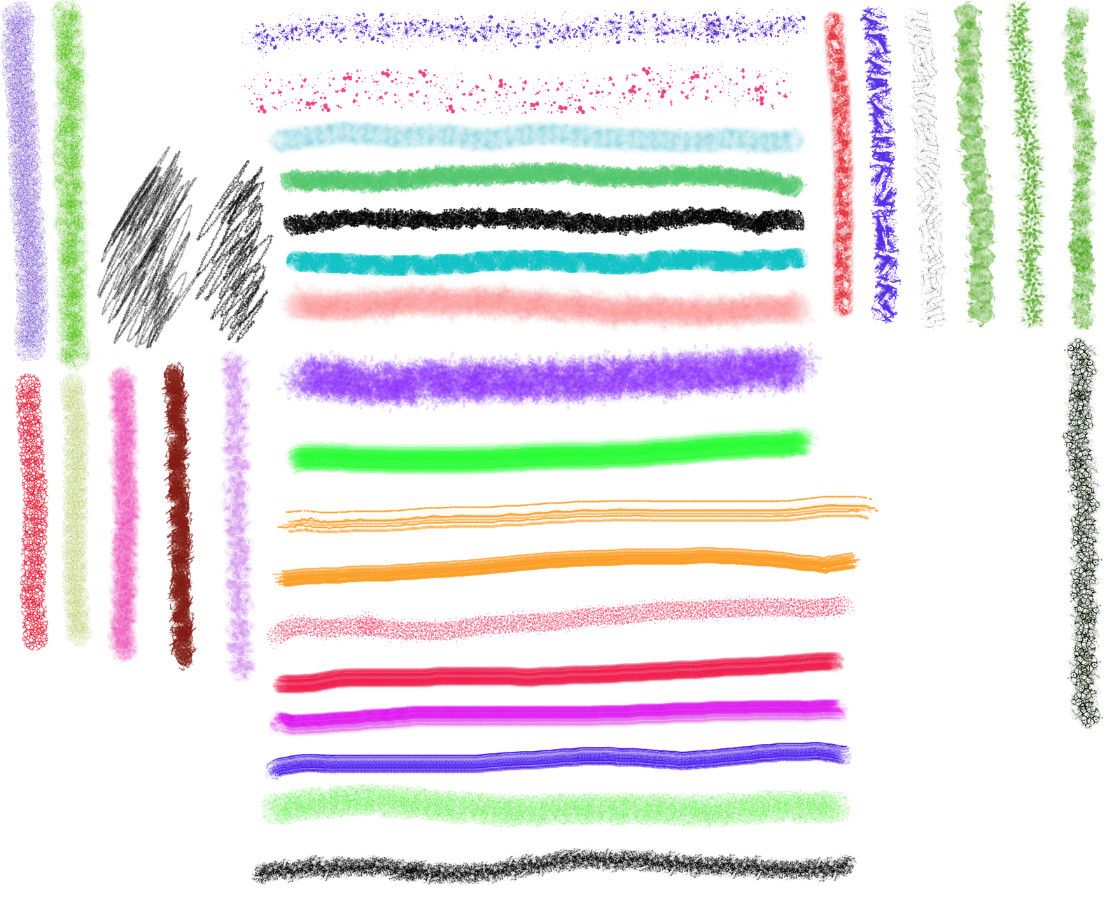
This is a basic tutorial for GIMP 2.7 that should help newcomers get familiarized with some of the tools and features. As far as I know, this can also be followed for Photoshop.It's best to download it and view it in an image viewer. I couldn't create a PDF for it.
* There is one final step that I forgot to add, if you use this, take note:
Select the very bottom layer, go to Gimpressionist, and apply "weave".
Final result here:
[link]
Related content








Comments: 12

In step 17, the green arrow on the left is pointing at it in the toolbox - it's the highlighted icon.
I was using Linux when I made this tutorial, if you're using Windows your toolbox layout may be a bit different.
You can also get the perspective tool by holding the Shift key and pressing "P".
👍: 0 ⏩: 0
I really like your tutorial...just,I need to ask-where i will find the perspective tool in gimp-I somehow don't remeber to see it there.
👍: 0 ⏩: 1
In step 17, the green arrow on the left is pointing at it in the toolbox - it's the highlighted icon.
I was using Linux when I made this tutorial, if you're using Windows your toolbox layout may be a bit different.
You can also get the perspective tool by holding the Shift key and pressing "P"
👍: 0 ⏩: 1
Yes,i have windows
Aj,yeah,thanks! I have already found it.It's in the same place as in your version.

👍: 0 ⏩: 1
I have both versions, but I find it easier to do tutorials with Linux because it has a built-in desktop screenshot grabber. First attempt at a tutorial, thought it would highlight some of the basics.
👍: 0 ⏩: 1
I have ust the windows version so I can't compare it much, it just seems that your Linux one looks better

👍: 0 ⏩: 1
I'm currently using a lightweight Linux distro called "linux puppy", it's only 120mb in size and can be run from a CD or USB drive. The best thing about it is you don't have to install it to your HD, it can be run live. Many say the linux version of gimp is better. I use linux more because it's much faster, almost no boot loading time, but its not perfect.
👍: 0 ⏩: 1
and I heared there aren't viruses too...
👍: 0 ⏩: 1
You can't get viruses on it, that's also why it's faster, and the firewall is built in. I'm building my own Linux right now for older computers. You can also run Windows programs on it, but not everything.
👍: 0 ⏩: 1
it's great adventage.
Hmm...which?I'm considering to change windows...I'm not very satisfied with it cause i have XP still and...they deen reinstalation from time to time-cause they are making pC slower and slower if you are using them for some time.
👍: 0 ⏩: 1
I wouldn't recommend switching from windows unless you're really fed up with it, and don't have any software for it that you can't live without. YOu can always use both if you only have one PC. Its probably best if you start with a live cd. it allows you to use it without making any changes to your computer. The best one to start off with I'd say is puppy:
[link]
You just burn the ISO to a CD and then reboot with the cd left inside. You can also browse the internet from the CD, and also save any changes to your HD without it affecting your XP.
👍: 0 ⏩: 1
I'm going to pay a look to this all
👍: 0 ⏩: 0